Inbox
Tag and archive chats
In Wavely you group chats with tags, archive the ones you are done with, and find them again whenever you need them.
Create and apply tags
Open Settings > Tags and choose New tag. Give it a Name and a Colour, then save. The page also shows how many chats use each tag.
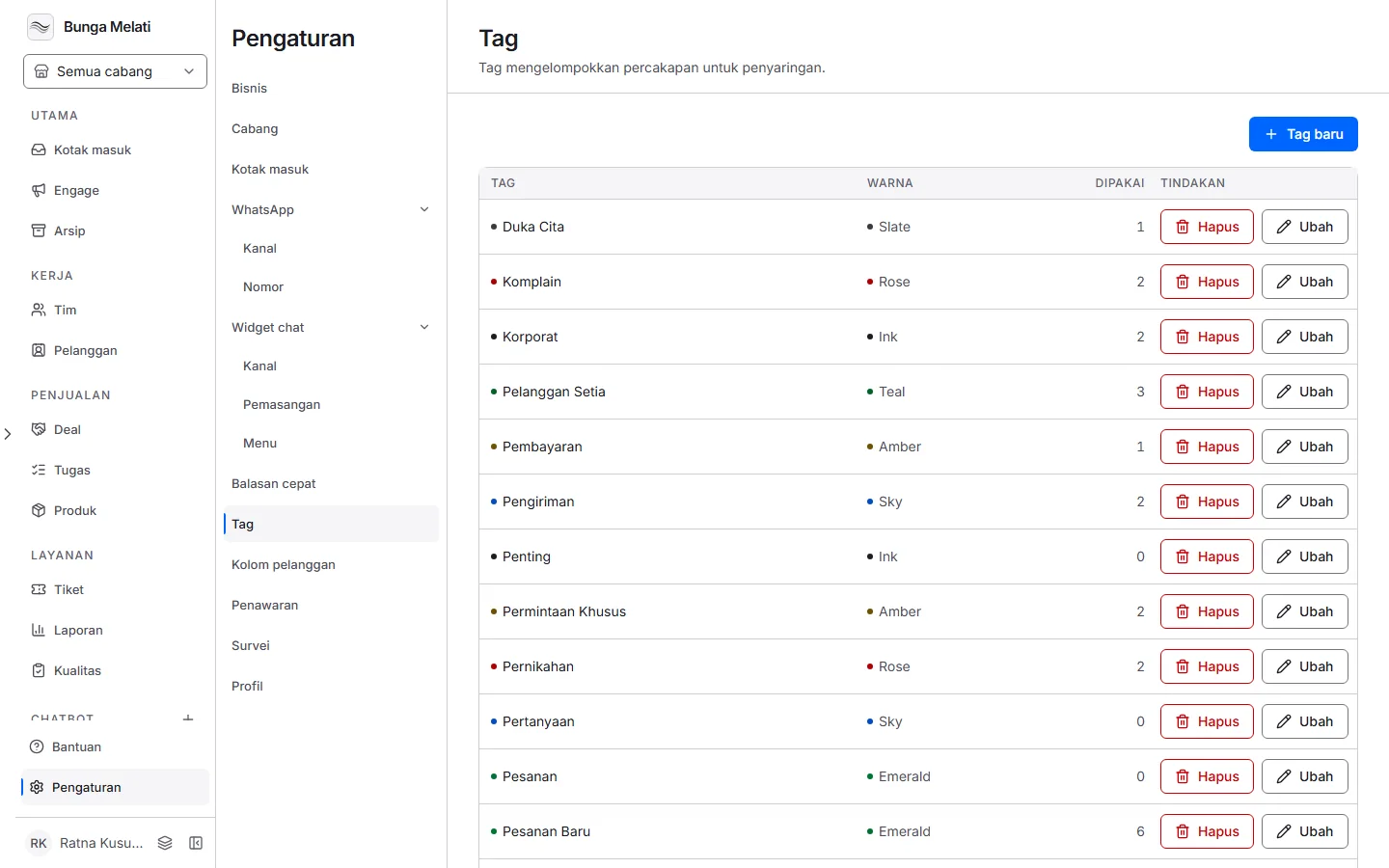
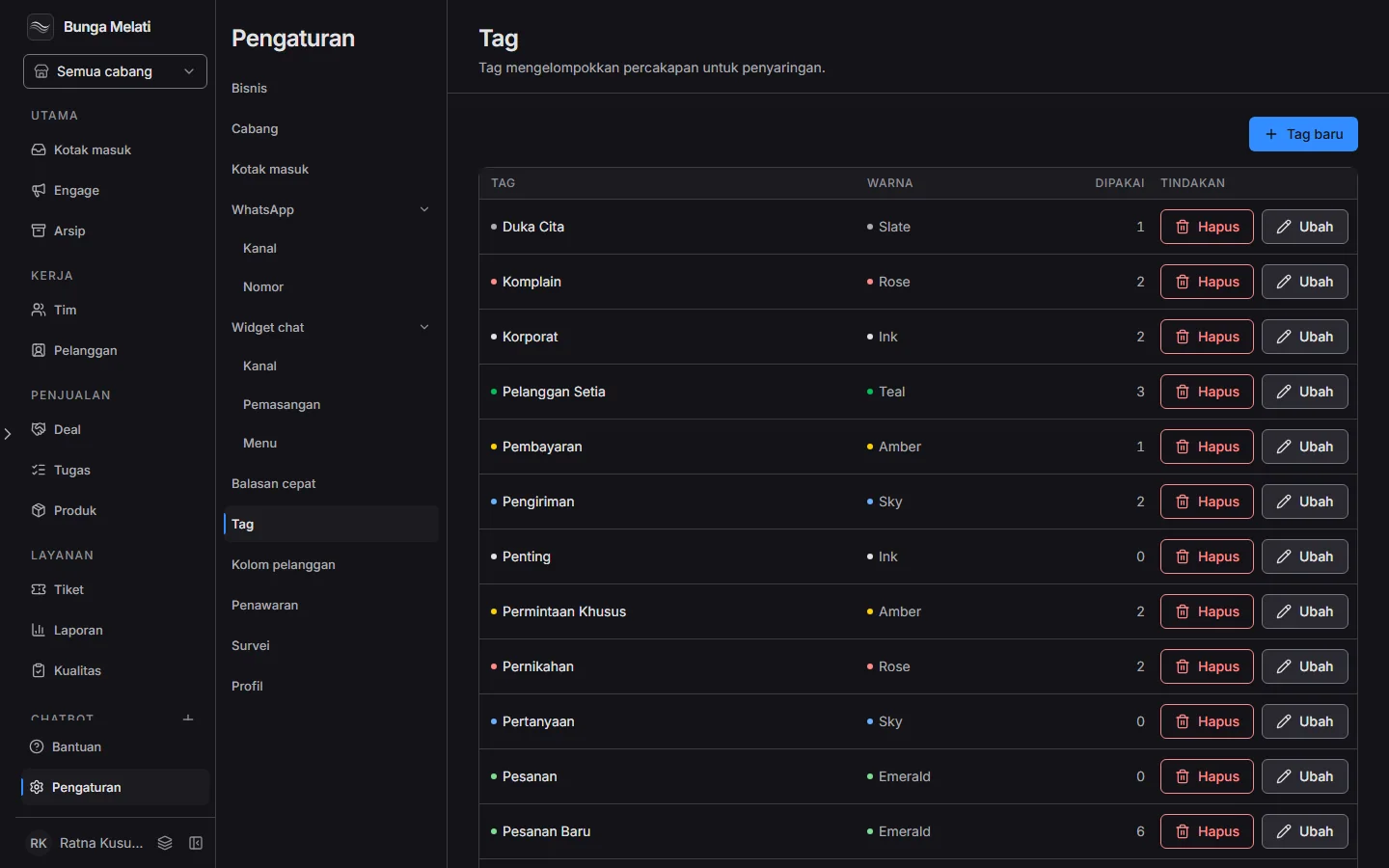
To apply a tag, open a chat and choose the Tag button. Find the tag in the list and pick it. Once a chat has a tag, the button becomes a plus sign for Add a tag. To take a tag off, remove it from the chat.
If you delete a tag in settings, it disappears from every chat that used it. The chats themselves stay.
Find chats
In Inbox, type in Search messages and visitors to search message text and visitor names. To filter by tag, choose Filter by tag and tick one or more tags.
The archive
Closed chats live in Archive, in the sidebar. A chat with no activity for a long time lands there too. In the archive you can filter by Closed date, Assigned to, and Tags.
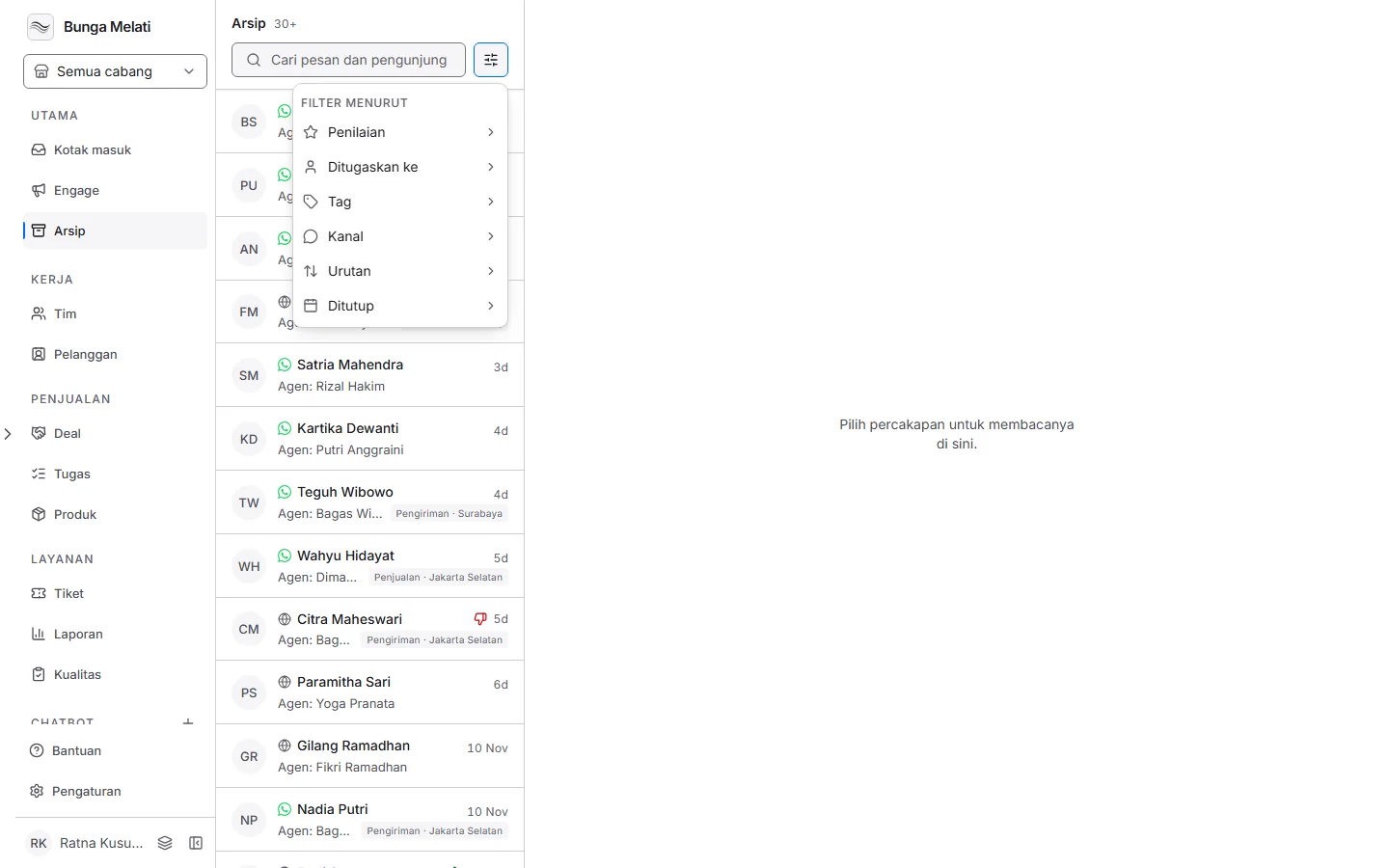
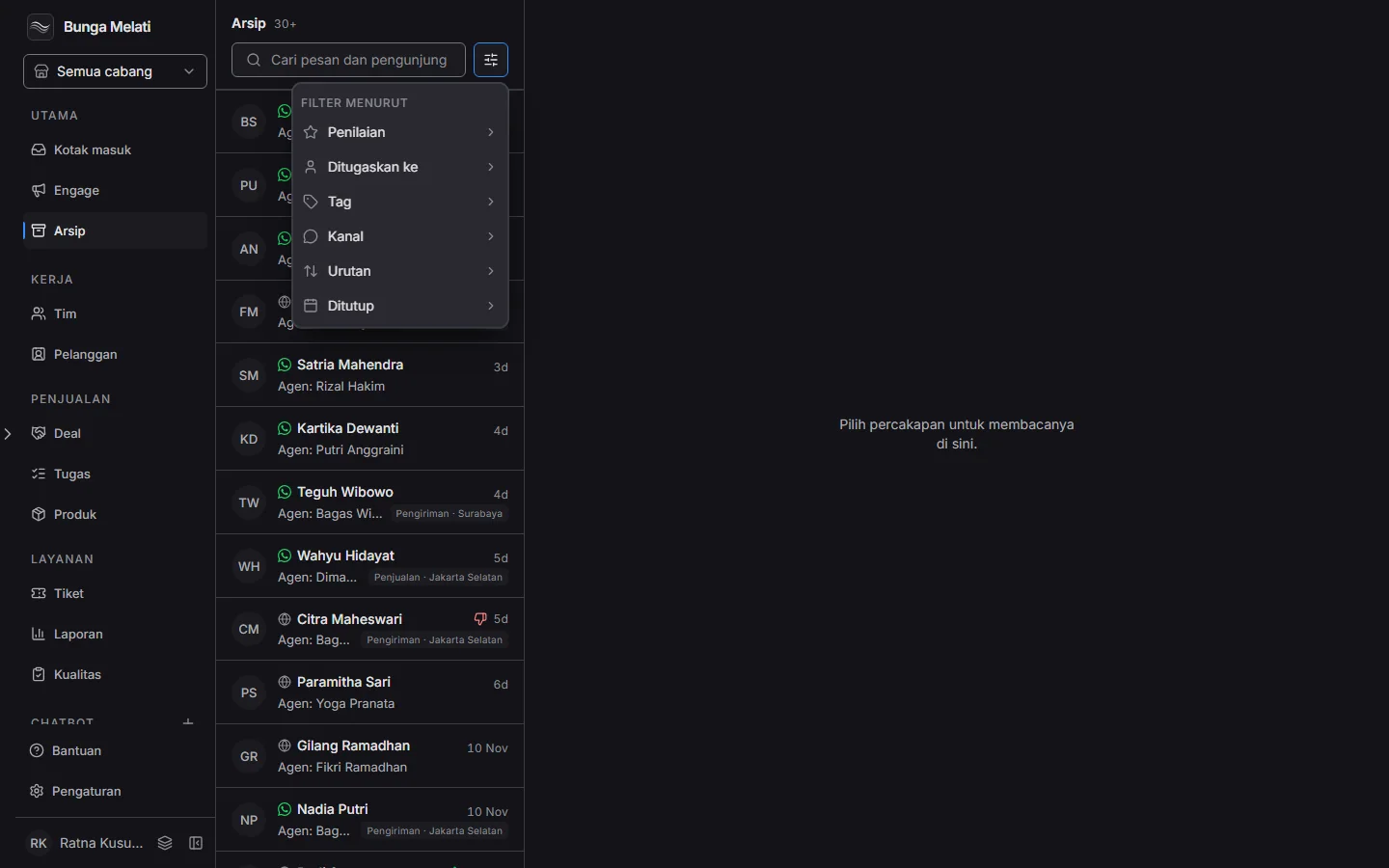
Archived chats are not gone. Open one to read the conversation again, or choose Reopen if you need to reply.