Service
Chat quality scores
Wavely scores closed chats against scorecards weighted to 100, by a supervisor or the AI, and flags those below the pass mark.
What Quality is
Quality scores closed chats against a checklist, so you know which agents need coaching. Open Service, then Quality. Only owners and admins see this page.
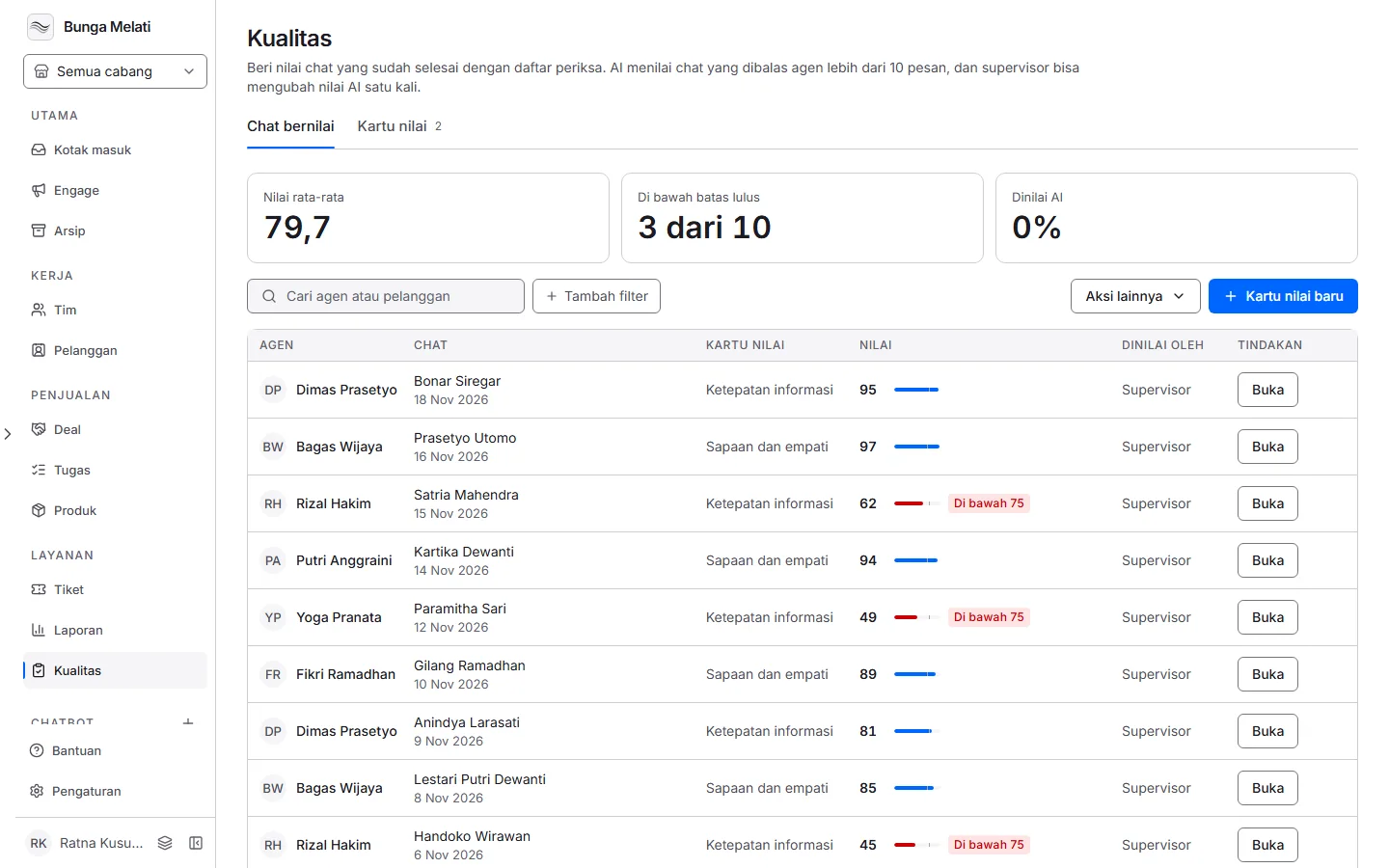
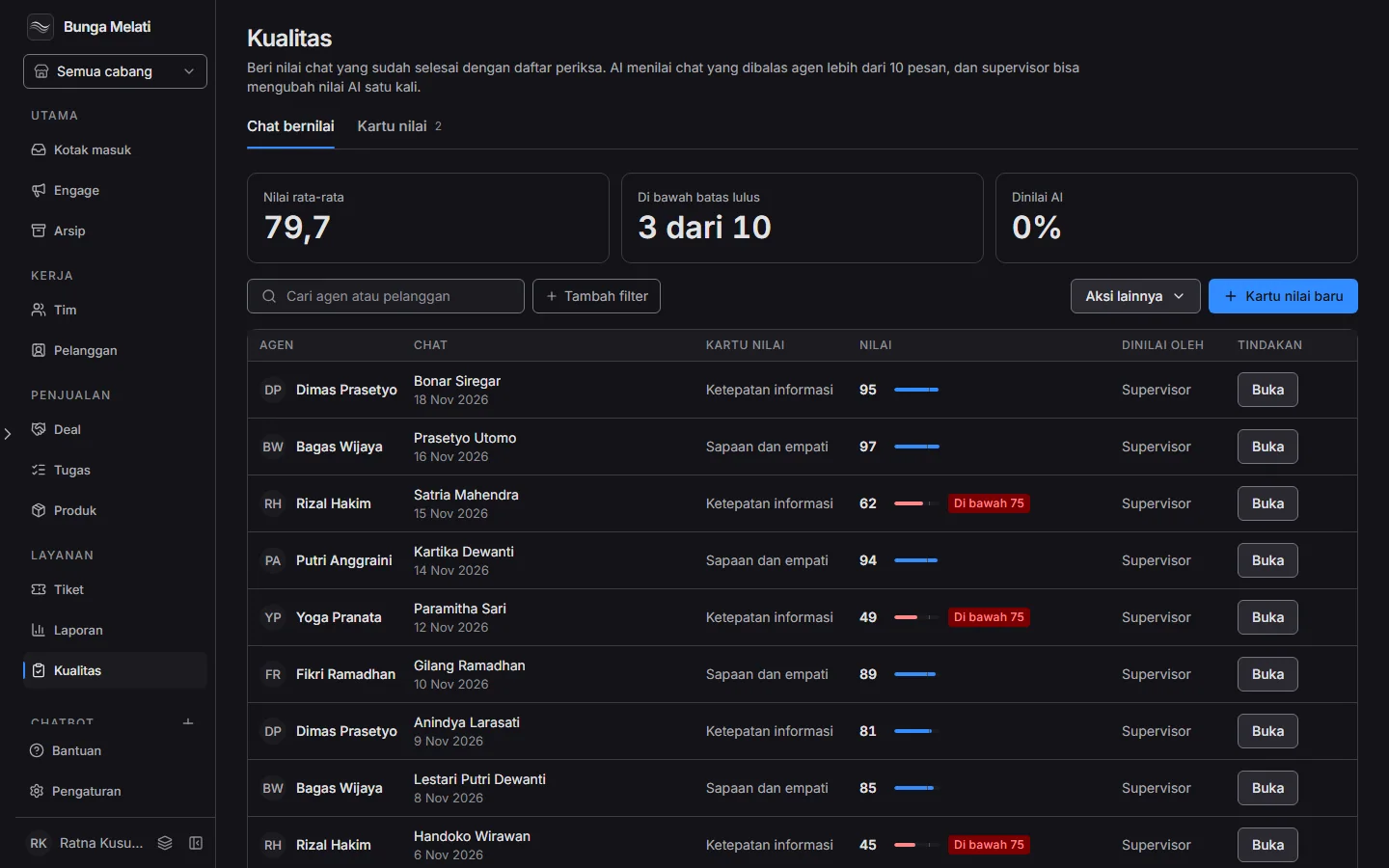
The page has two tabs. Scored chats has three figures above a table: Average score, Below the pass mark and Scored by AI. The table lists the agent, the chat, the scorecard, the score and who scored it. A score below the pass mark is marked in red. Search by agent or customer name, or filter by Agent, Below the pass mark and Scored by. The Scorecards tab holds the checklists.
Creating a scorecard
A scorecard is the checklist used to score one chat.
- Click New scorecard.
- Fill in Name, and pick the Division whose chats it scores, or Every division.
- Under Checks, write each thing the agent should do and give it a weight in percent. Click Add check for the next one (up to 20). Split evenly gives every check the same weight.
- Look at the Total label. The weights of all checks must add up to exactly 100%. The label is green at 100 and red otherwise, and the save button stays off until it is right.
- Under Passing score, fill in Pass at, a number from 0 to 100. Chats scoring below it are flagged for a coaching note.
- Click Create scorecard.
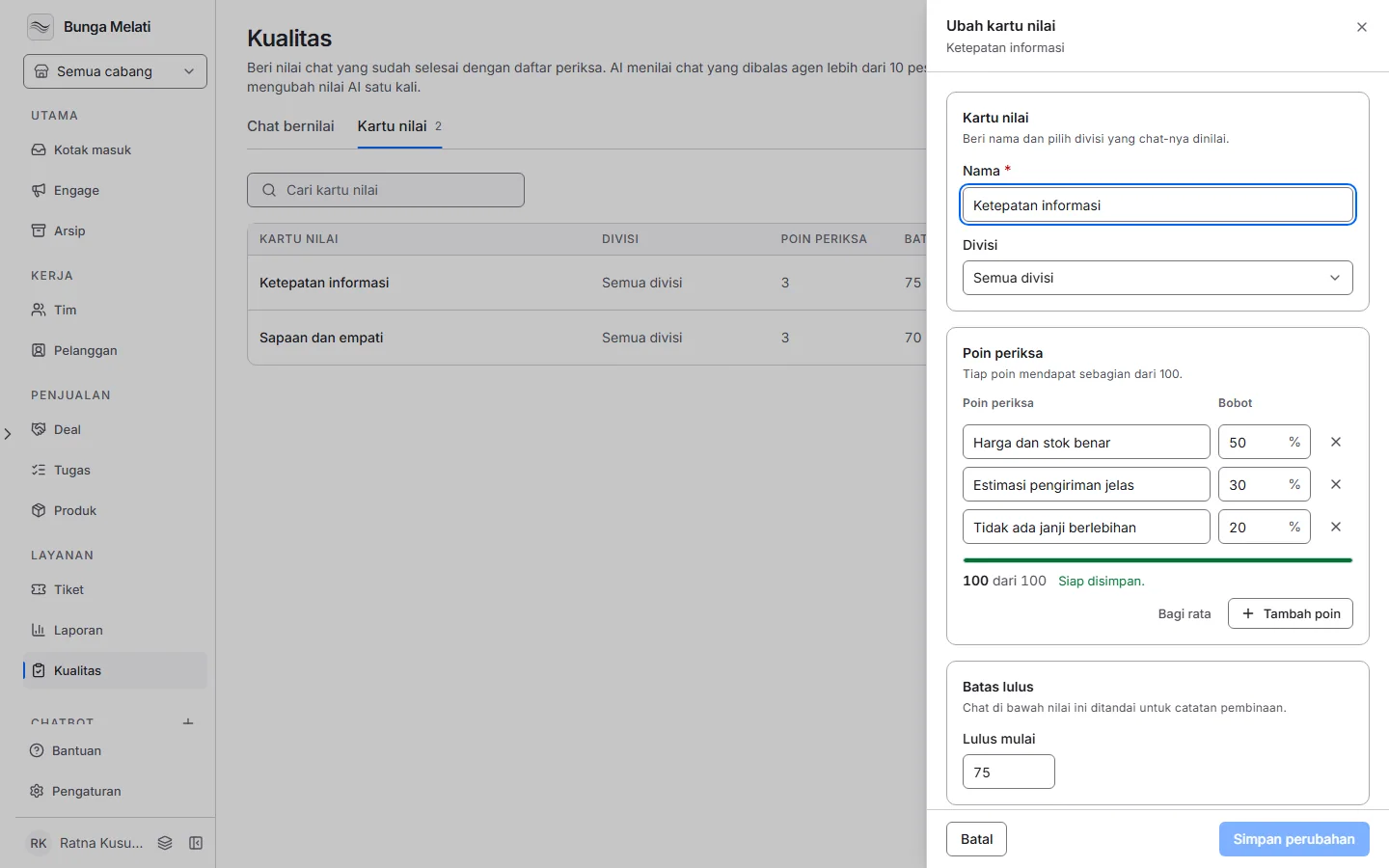
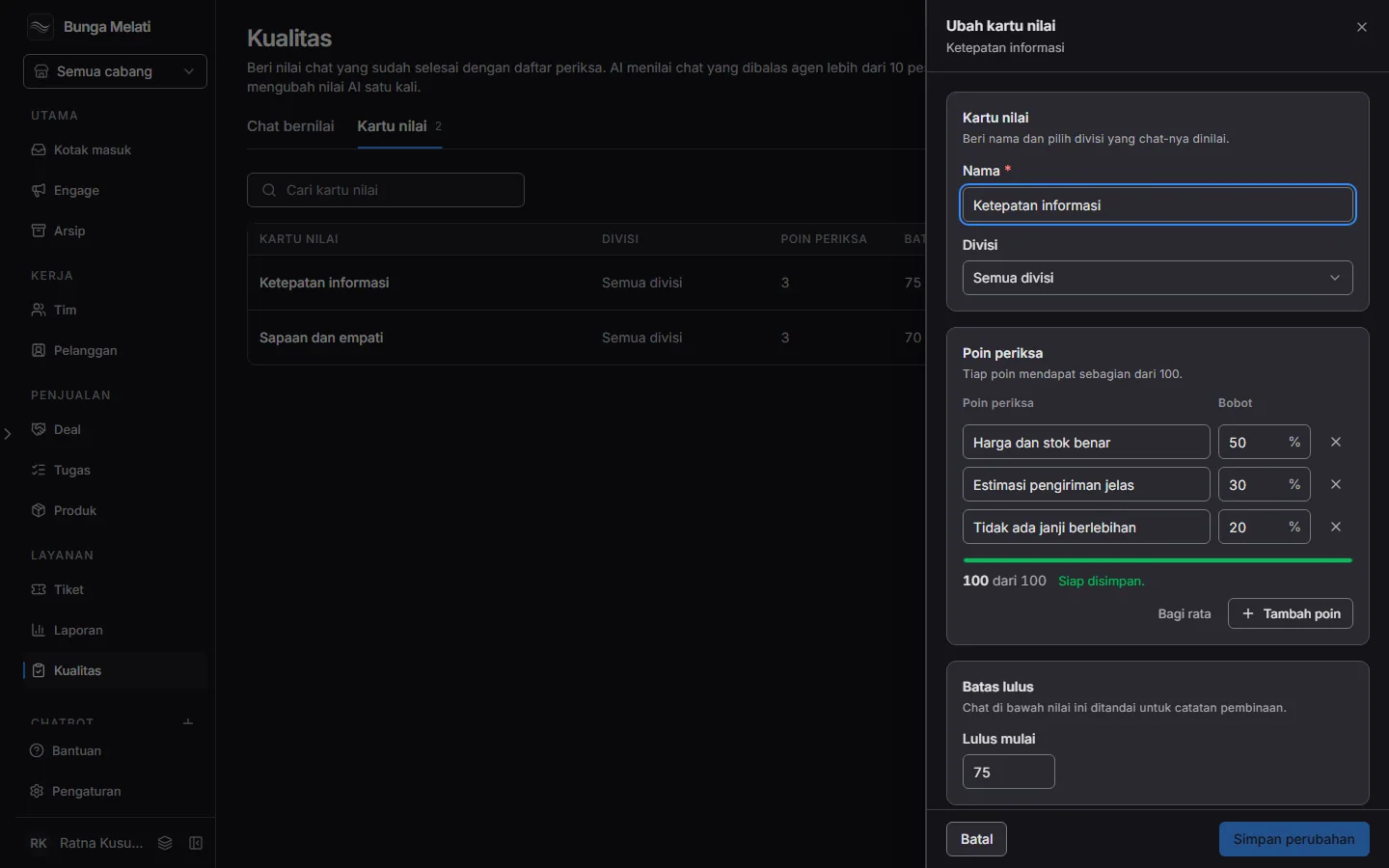
A scorecard name cannot match another one. Editing a scorecard does not change scores already given: each score keeps a copy of the scorecard's name, pass mark and checks as they were when it was scored. Deleting a division also deletes the scorecards tied to it.
Supervisor scoring
Owners and admins act as supervisors. Click Open on a row, then read Result and Checks: the points earned against each weight. View chat opens the conversation. Scores are out of 100.
From this page a supervisor can change a score the AI gave. Click Change score, give each check a number from 0 up to its weight, then Save score. This can be done once. After that the score counts as a supervisor's and is final: Wavely refuses any further change, and the AI's original number stays on record in the panel. If the scorecard was edited after you opened the panel, Wavely reloads it and you score again. Scoring a chat the AI skipped is not available on this screen yet.
Scoring by AI
The AI scores a closed chat when the agent sent more than 10 messages in it. It also needs:
- The agent is a person, not an AI assistant.
- A scorecard applies: the one for the chat's division first, then one for every division. If several apply, the most recently edited one is used.
- The Wavely AI service is on and the business's AI budget is not used up.
Note: AI scoring needs the AI service, and its cost counts against your business's AI usage. Each AI score is one paid model call, recorded in AI usage and priced like an assistant turn. If the AI service is off or the budget is spent, chats are not scored by AI and stay unscored.
The AI reads the conversation as data, not as instructions, and gives each check a number that cannot exceed its weight. It reads at most the newest 300 messages. AI scoring runs in a queue that does not survive a restart, so a chat closed just before an update can be left unscored.
Scoring settings and export
More actions > Scoring settings shows the rules above in one window. They are read only: the 10 message threshold and the single change cannot be adjusted yet. Export all scores downloads the scores, and Export history lists the results.