Website
Campaigns for visitors
A campaign in Wavely shows a card to the website visitors who match your conditions, and one tap on it starts a chat.
What a campaign is
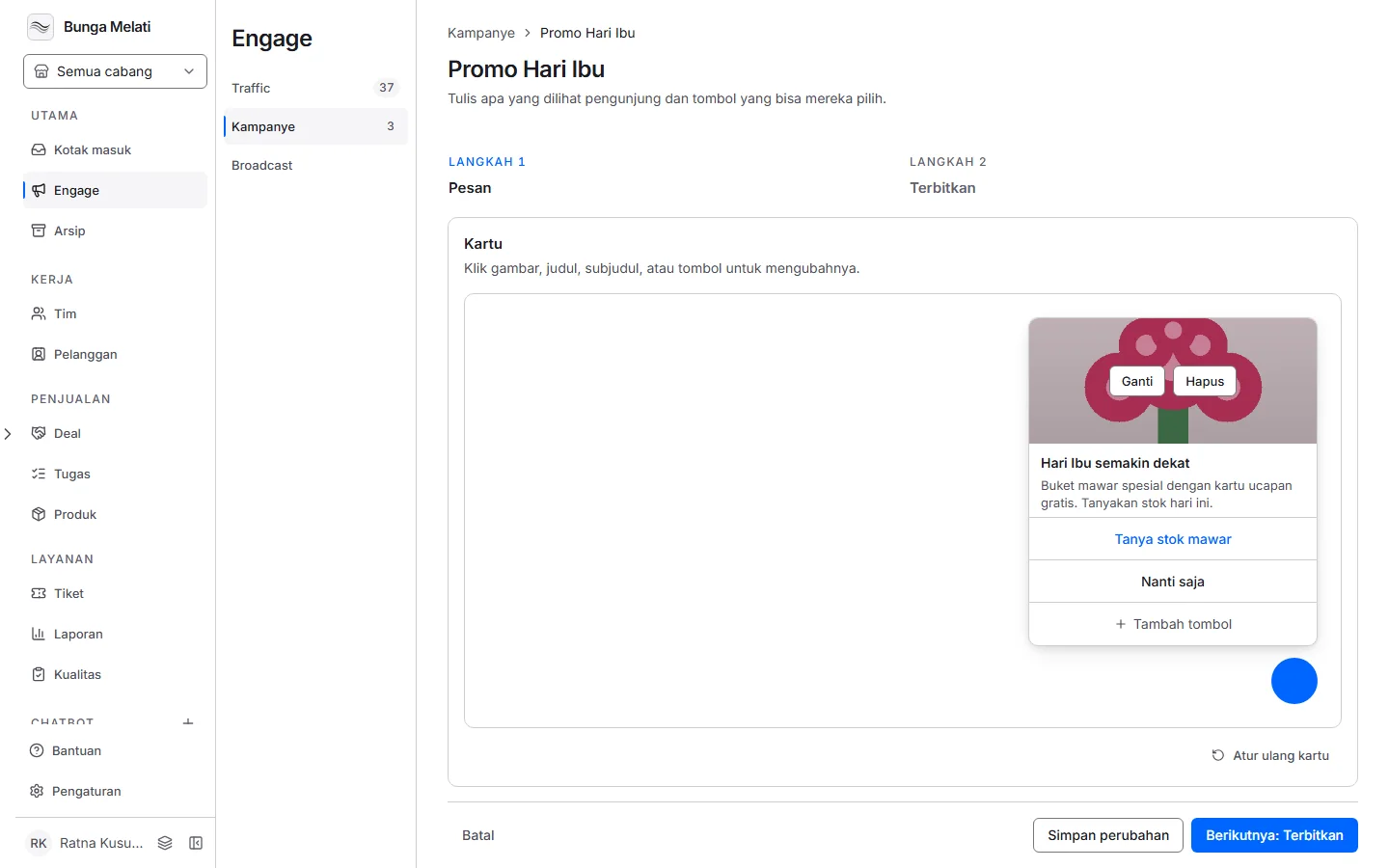
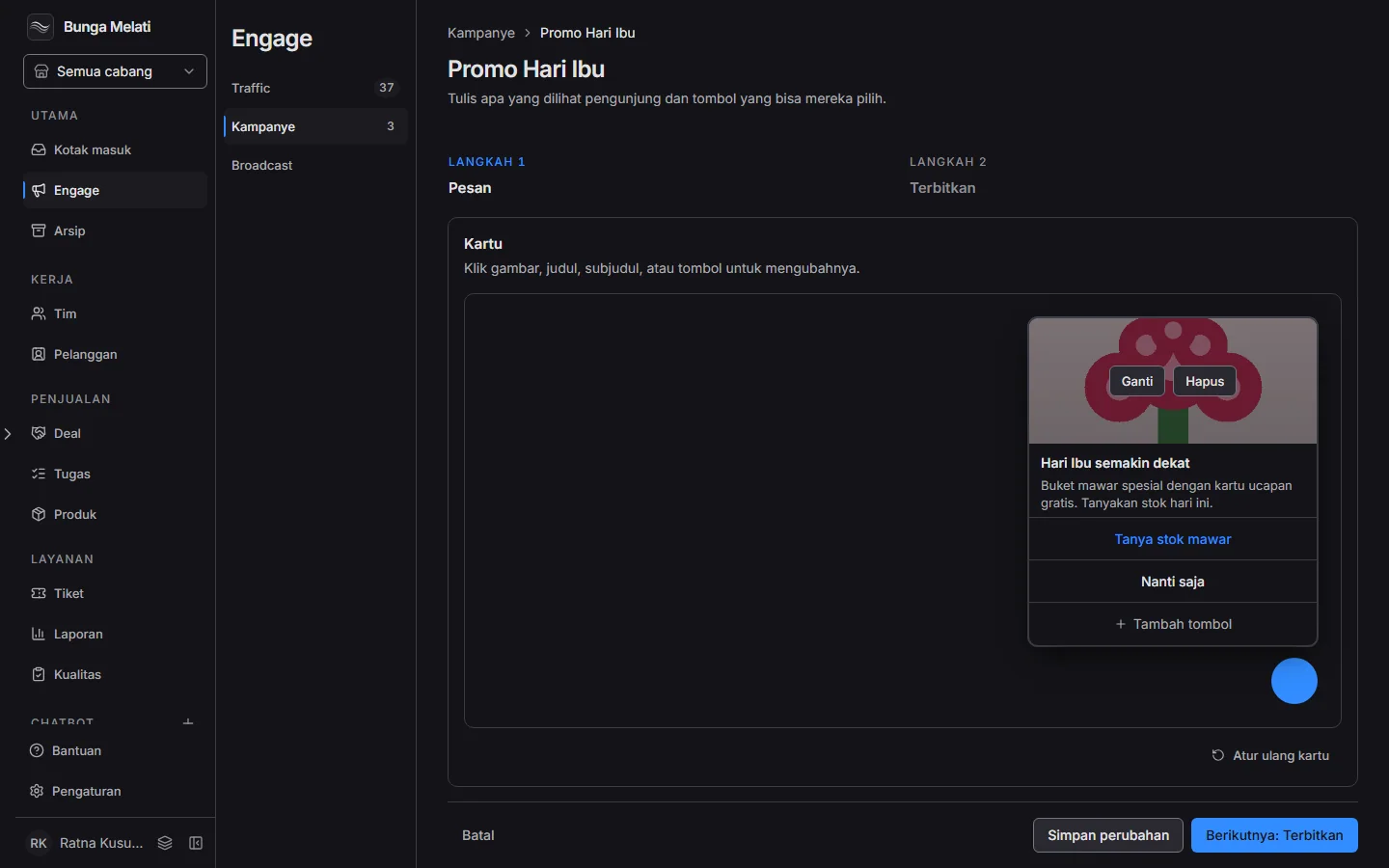
A campaign is a small card that appears in the widget when a visitor meets the conditions you set. The card has a title, a subtitle, an image and up to four buttons. Only owners and admins can create and change campaigns.
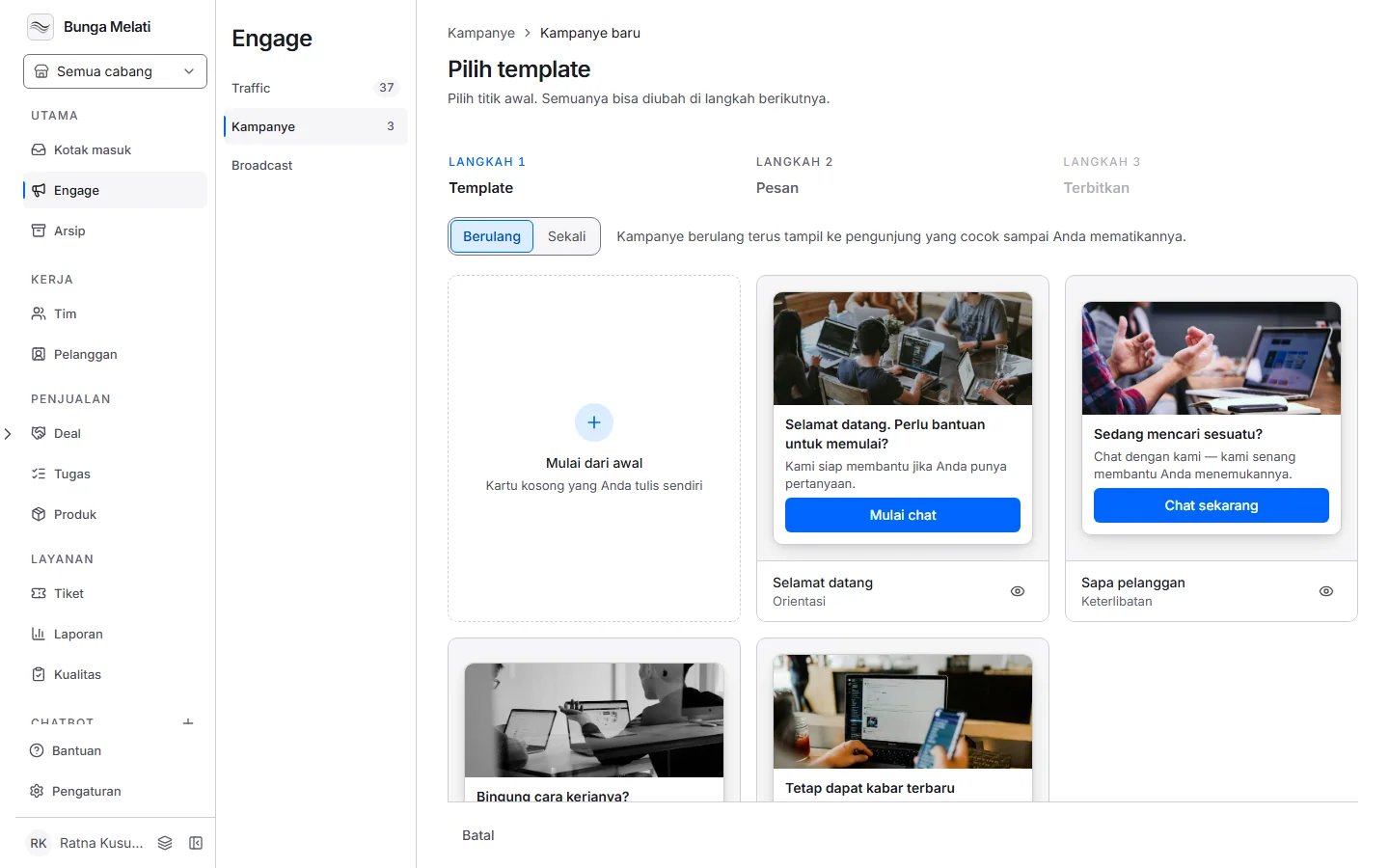
There are two kinds. A Recurring campaign keeps showing to matching visitors until you turn it off. A One-time campaign shows once per visitor, then stops on its own.
Create a campaign
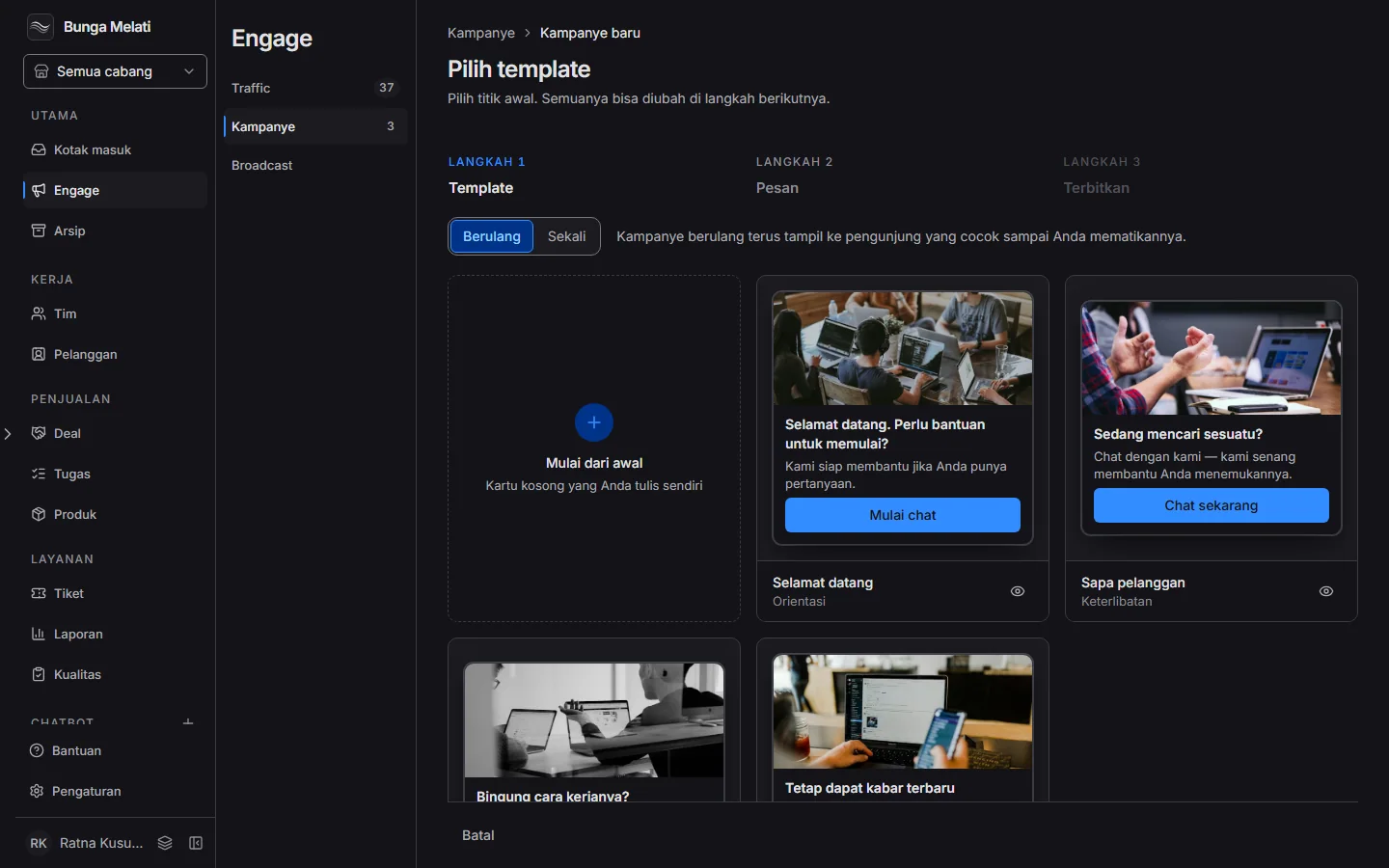
Open Engage, then Campaigns, and click New campaign. There are three steps.
- Template: pick a starting point, for example Welcome or Help with product. You can change everything.
- Message: write the title, subtitle and image. Add buttons with Add button. A button can Send message, Phone call, Open URL, Dismiss or Copy coupon.
- Publish: choose the audience, name the campaign, pick a branch and a team, then click Publish campaign.
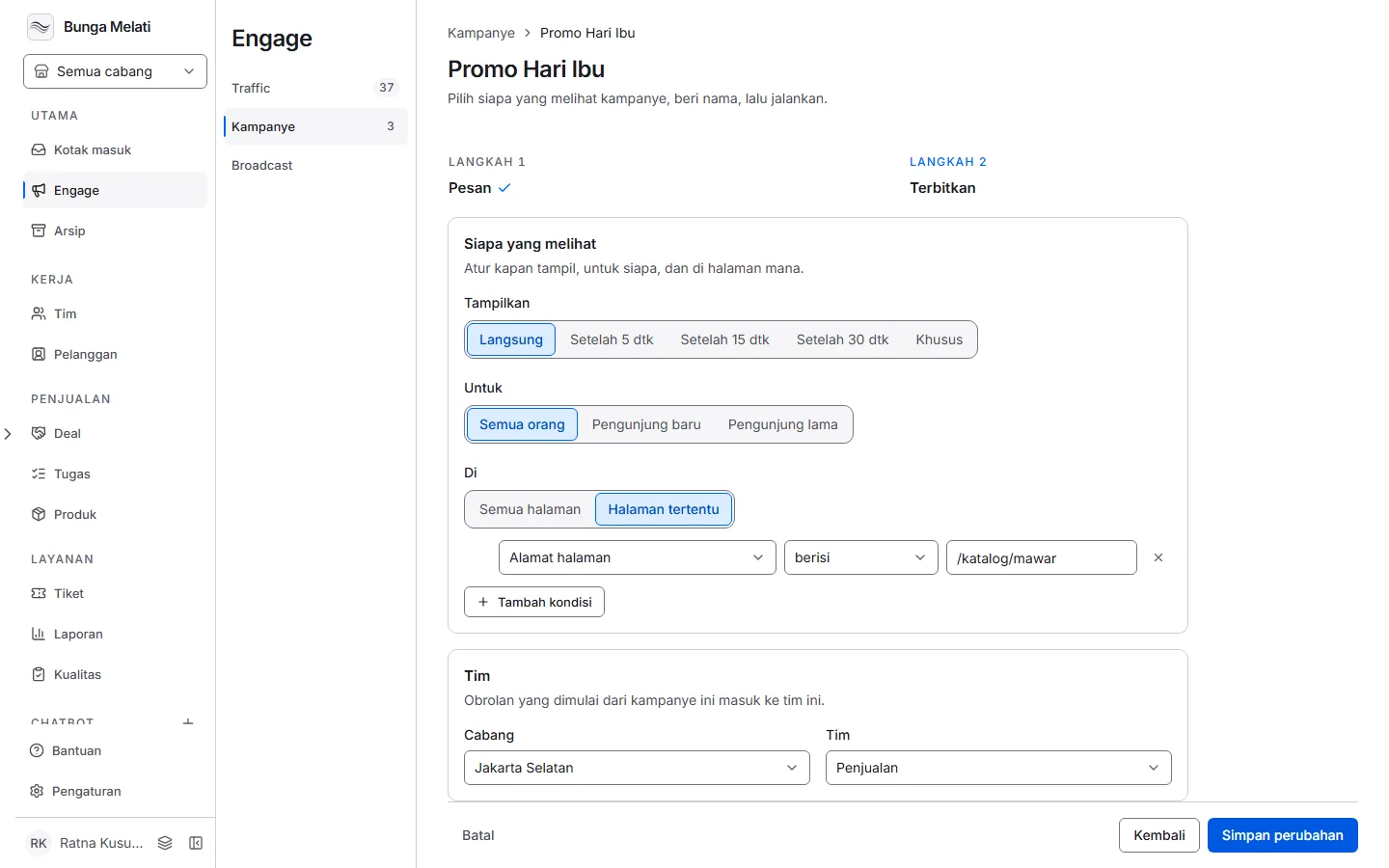
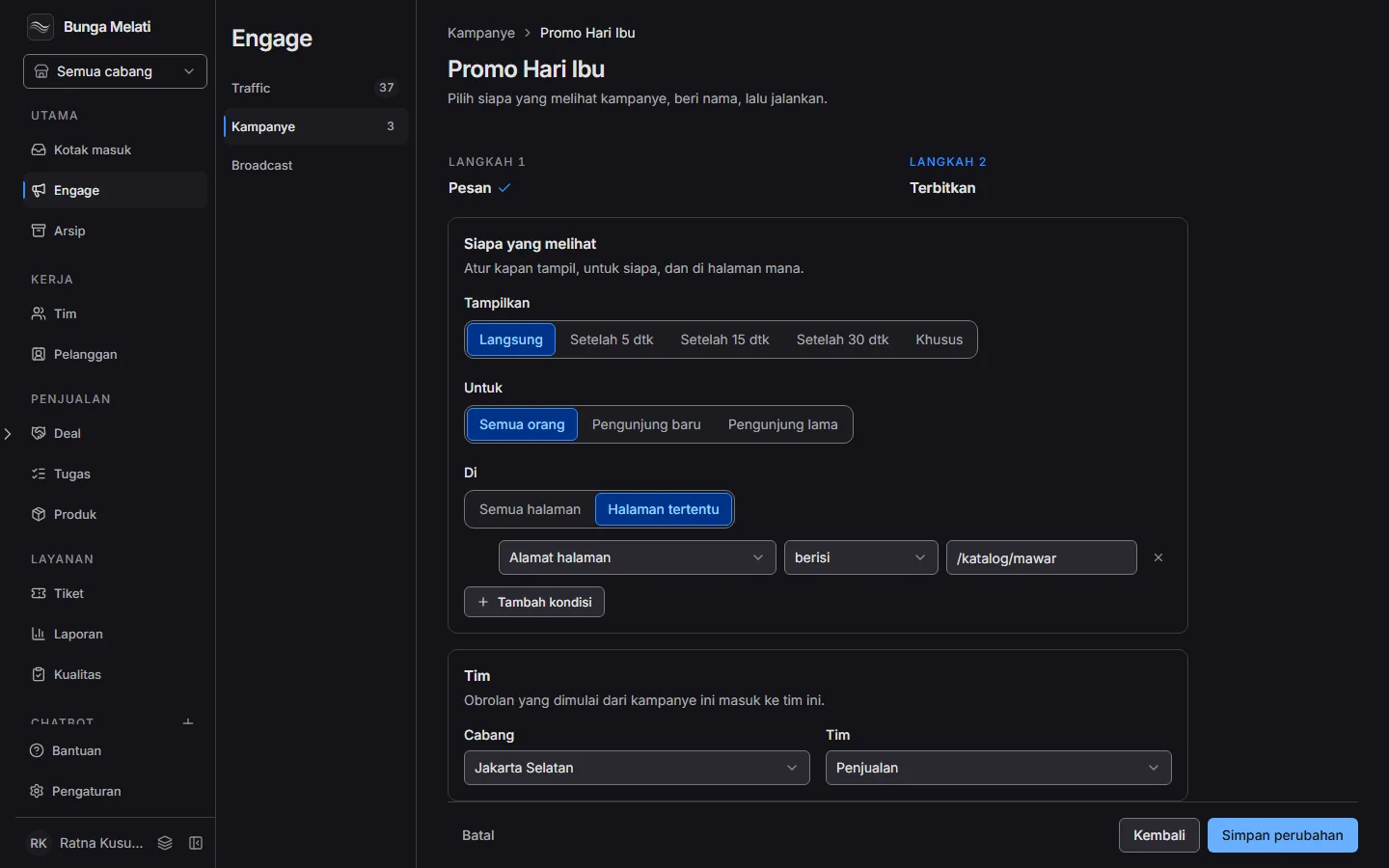
The audience can be All visitors, First-time visitors or Returning visitors. You can also add up to eight conditions with Add condition. For example, Current page URL contains /pricing, or Customer's browsing time is more than some seconds. Choose Match all of these conditions or Match one of these conditions.
A one-time campaign asks how long it runs: 7 days, 30 days or Custom with an end date. Turn on Activate now if the campaign should go live straight away.
Read the results
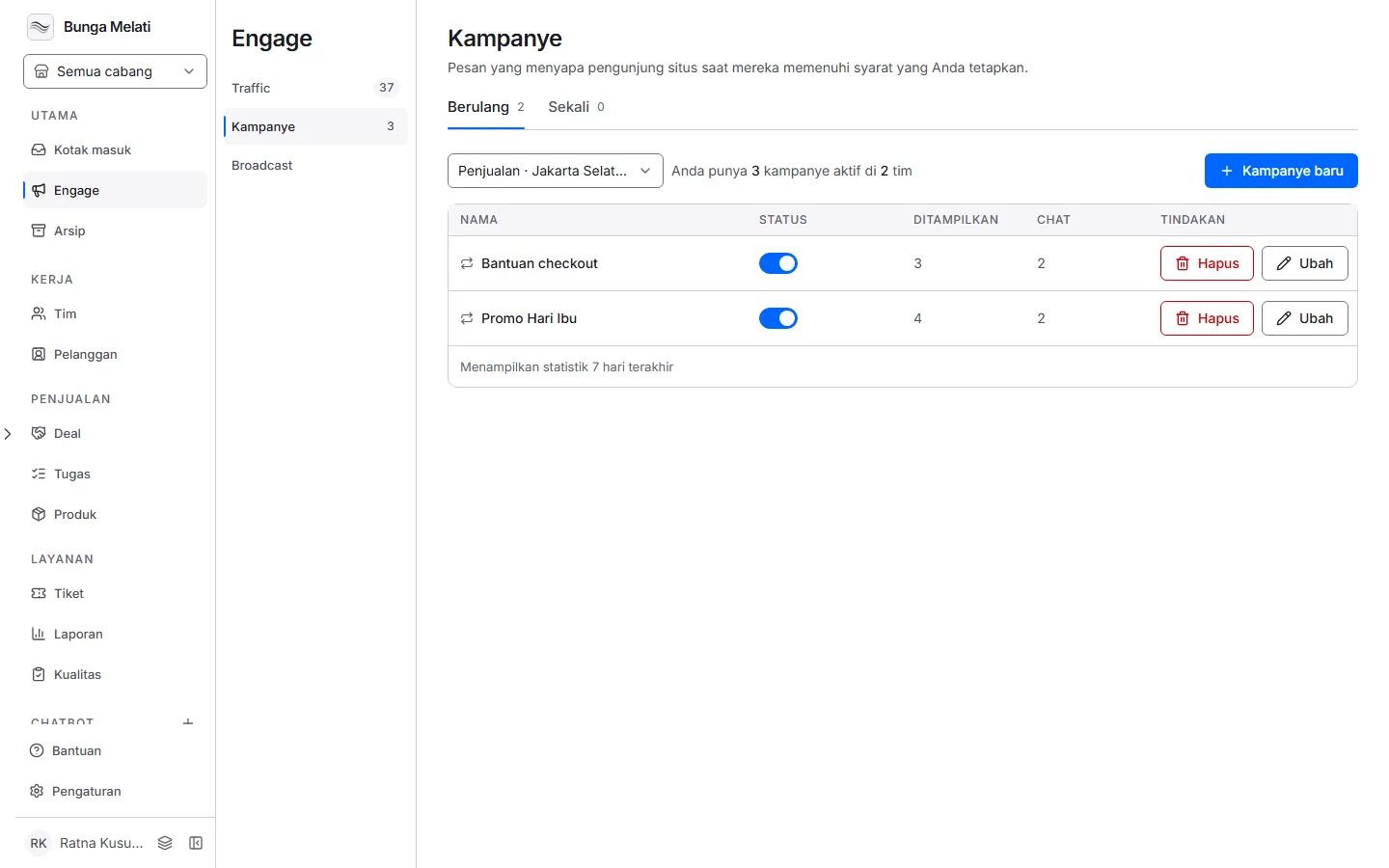
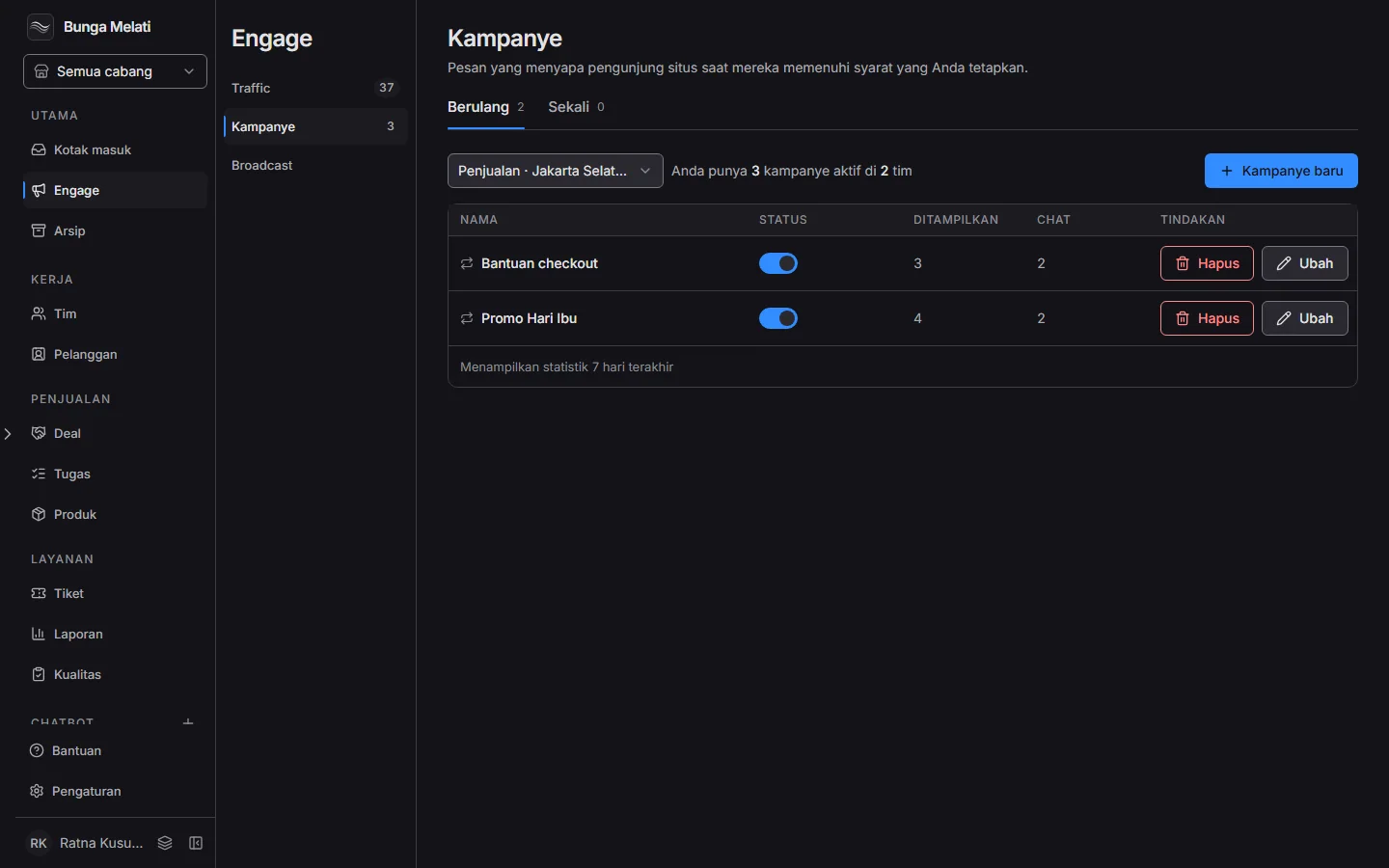
The campaign list shows Status, Displayed and Chats for the last 7 days. Use the Recurring and One-time tabs to filter. Click Edit to change a campaign, or Delete campaign to stop it. Visitors stop seeing a deleted campaign at once, and deleting cannot be undone.
Switching a one-time campaign off stops new visitors from seeing it. Switching it back on does not show it again to visitors who already saw it.
Note: A business can keep at most 100 campaigns.