If a number disconnects
If a WhatsApp number disconnects from Wavely, its status tells you why, and this guide shows how to bring it back.
Read the status
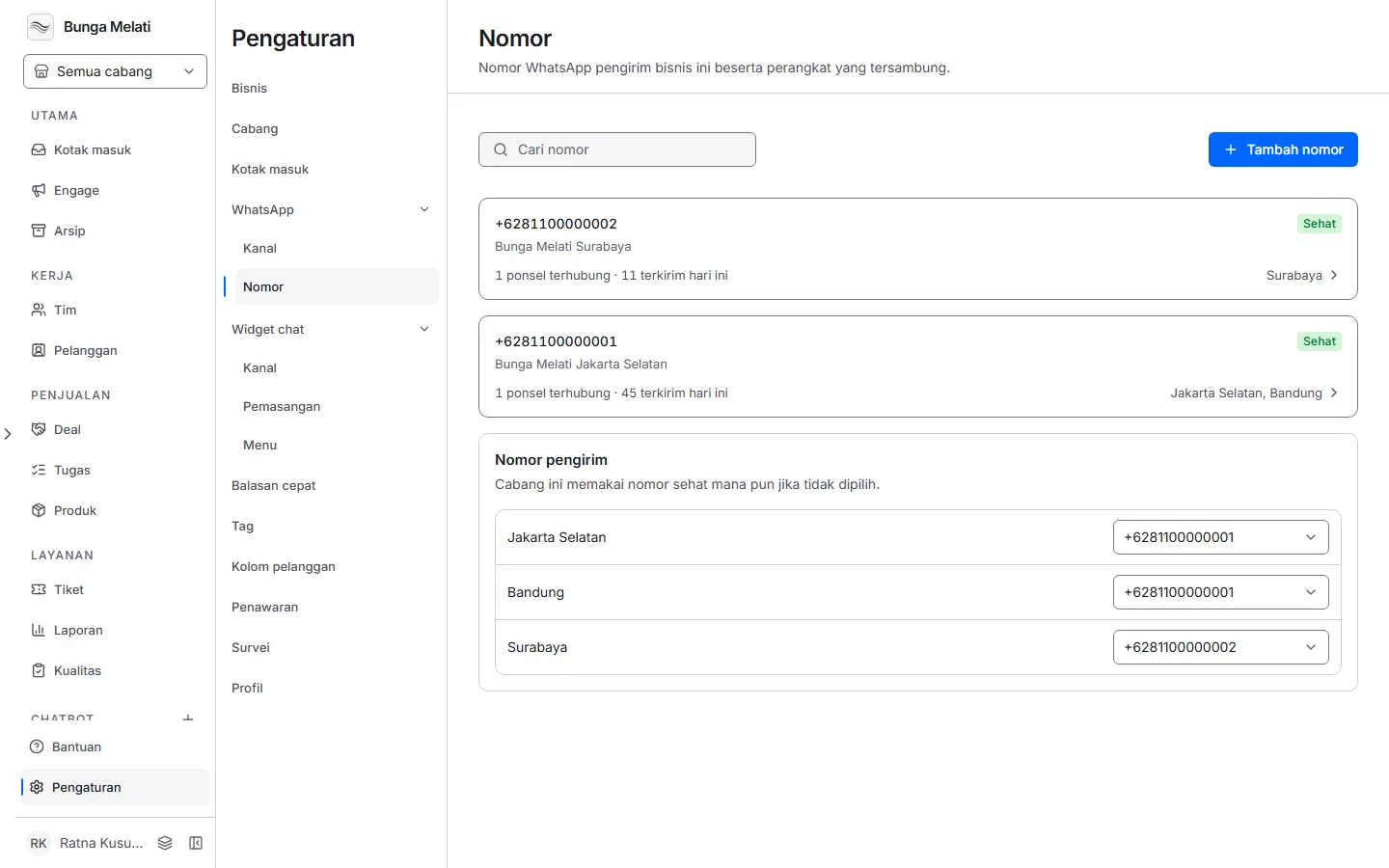
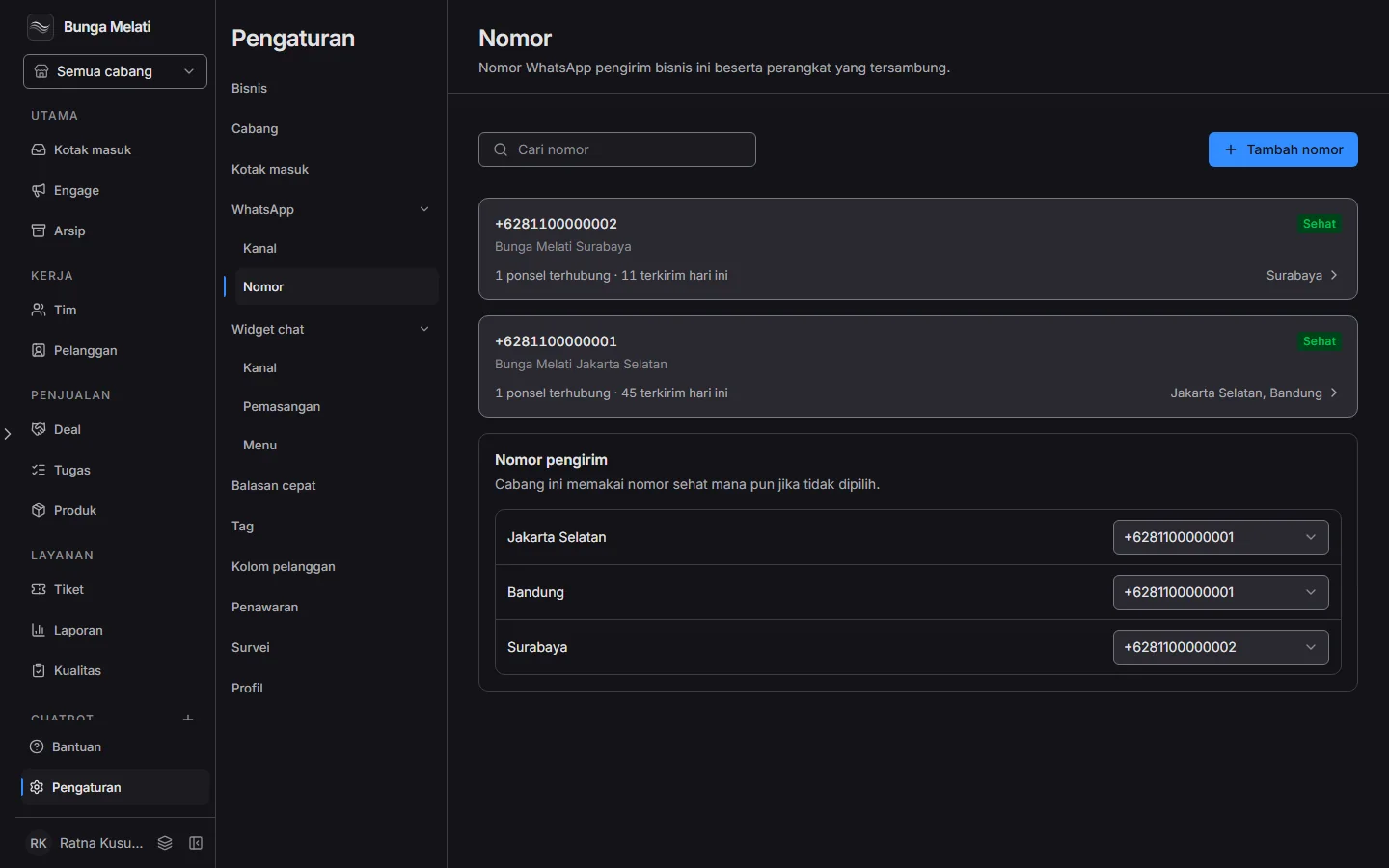
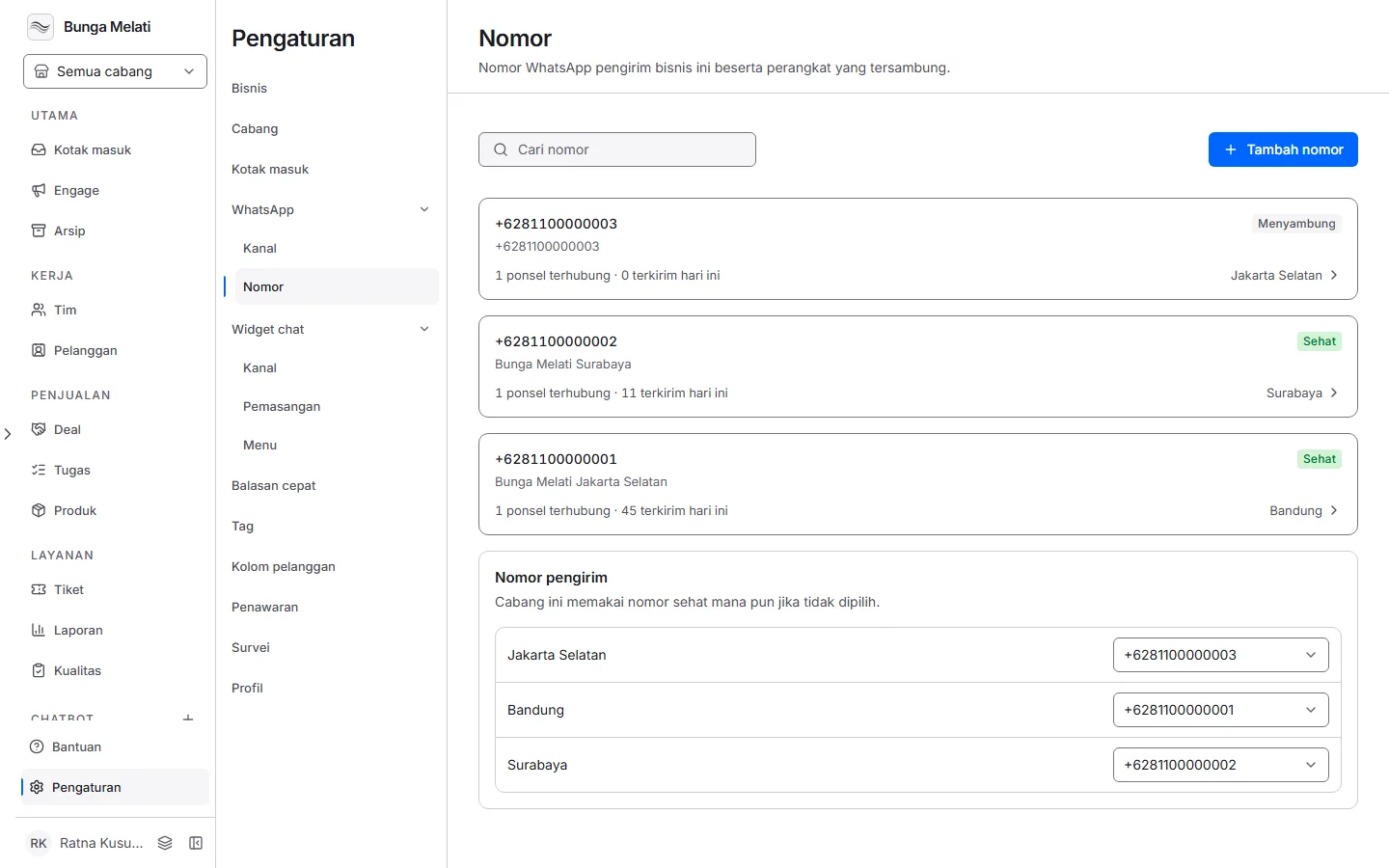
The Settings > WhatsApp > Numbers page shows two things. Each number shows as a card with its condition:
- Healthy: a device is connected and the number is ready to send.
- Connecting: the number was just added and is still starting.
- Not linked: no device has been linked yet.
- Offline: no device is connected right now.
- Throttled: WhatsApp is limiting sending. Wavely holds messages for a few hours, then tries again.
- Quarantined: three sends failed in a row. Wavely stops the number for about 24 hours.
- Banned: WhatsApp has blocked the number. Wavely does not send from it, and Wavely cannot lift the ban.
Each linked device also has a status, such as Connected, Waiting for scan, Reconnecting, Failed, or Stopped. Devices show in the Devices section of the number's panel: click the number's card to open it.
Wavely recovers by itself
If a device that once connected shows Failed, Wavely tries to reconnect it by itself, up to five times with longer pauses. While it does, the status is Reconnecting. You do not need to do anything. A number that is Throttled or Quarantined sends again by itself once its pause ends.
Scan again
If the automatic attempts run out, or the device never connected, it needs a new scan. Its status is usually Waiting for scan:
- Click the number's card. Under Devices, choose Show code on that device.
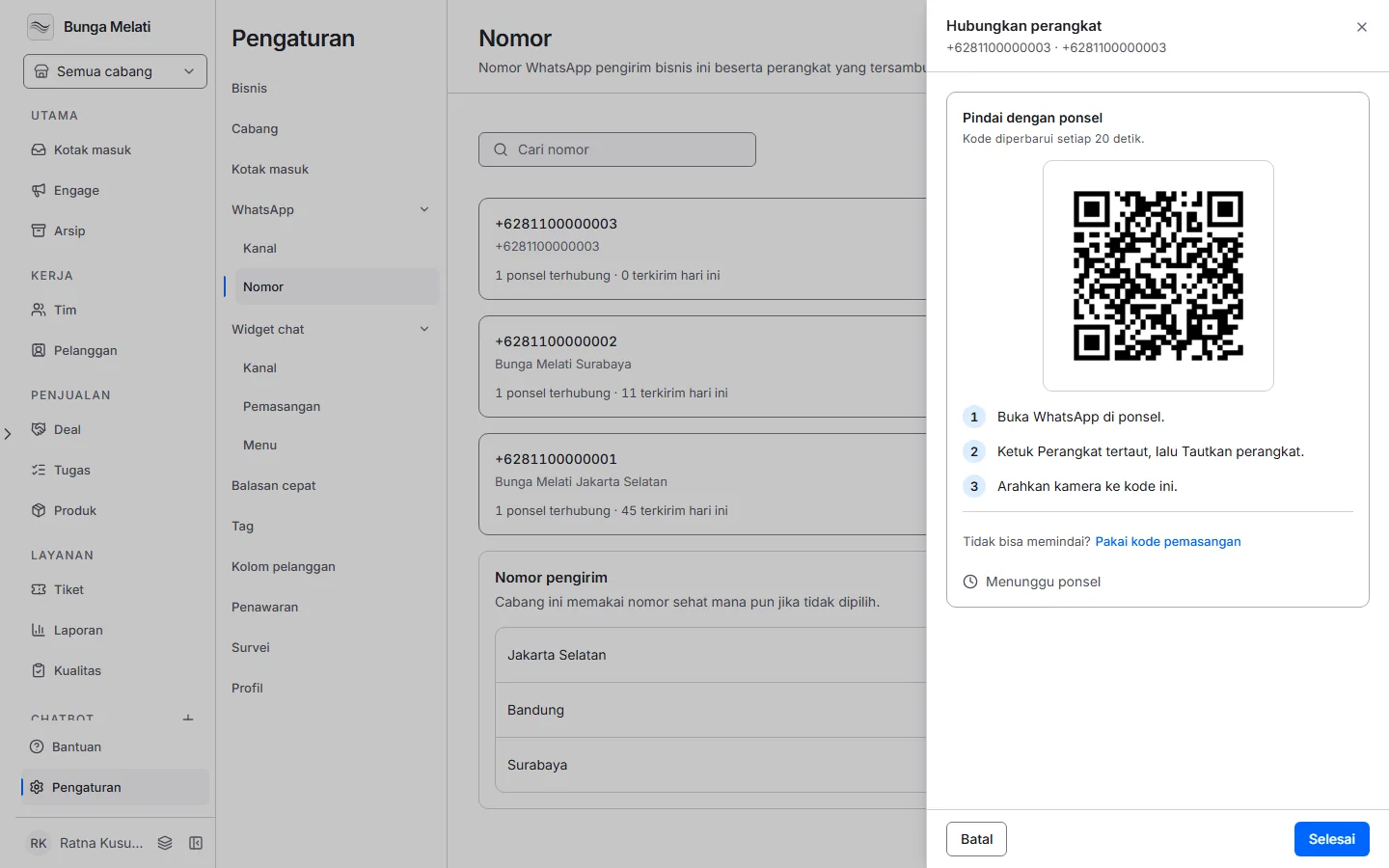
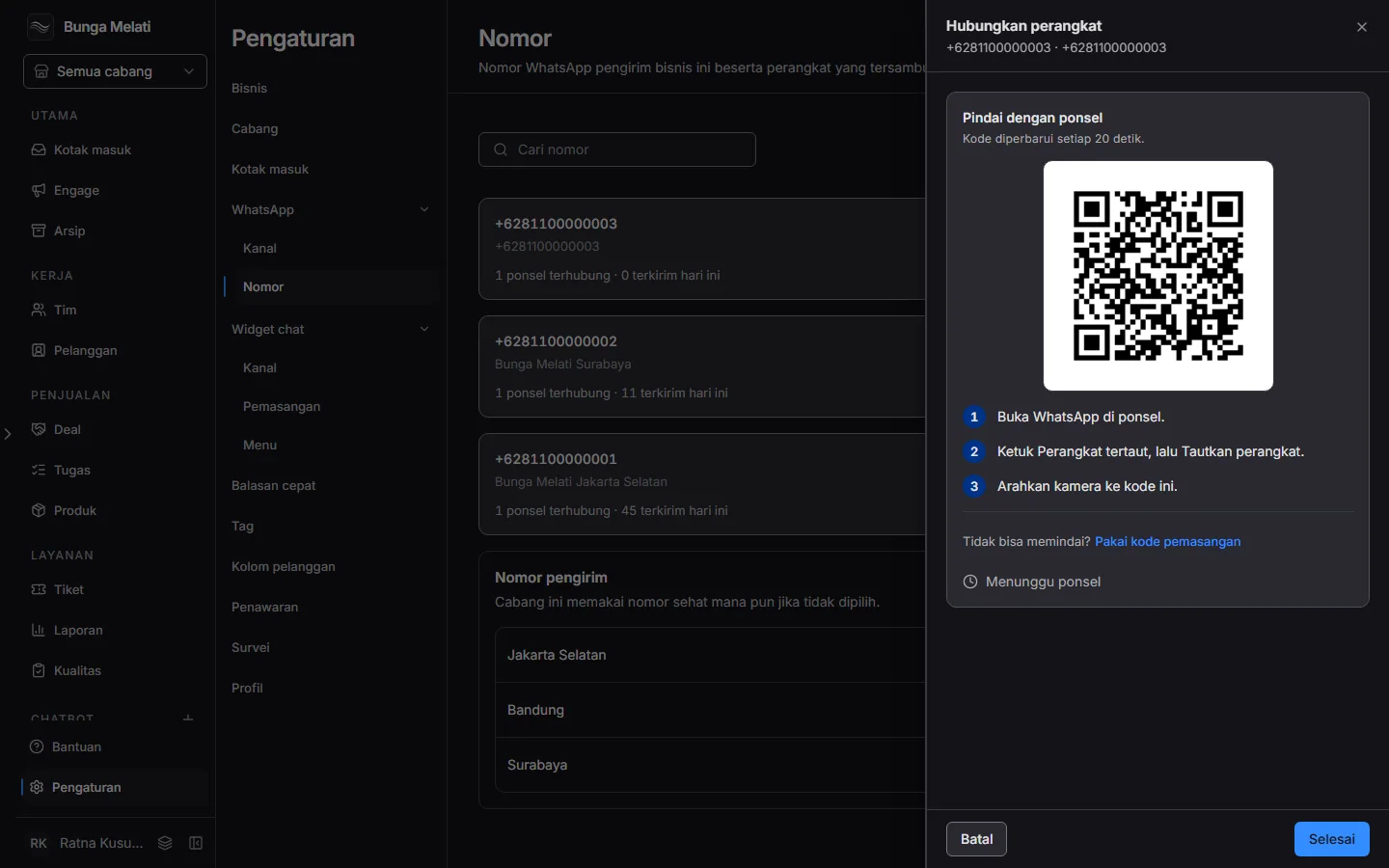
- Scan the code from the phone, as on the Connect a WhatsApp number page. When it connects, choose Done.
If the device still does not connect, choose Unlink on that device and confirm, then Link device to link it again from the start. While a number is disconnected, replies to its WhatsApp chats are held or fail to send.