Website
Taking chats from your own website
Wavely adds live chat to your website or online shop with one pasted script, and visitor messages arrive in the same inbox as WhatsApp.
A visitor with nowhere to ask
A website visitor with a question usually just leaves if there is nowhere to ask. The chat widget gives them a chat button in the corner of the page, with no account to create.
One snippet, one inbox
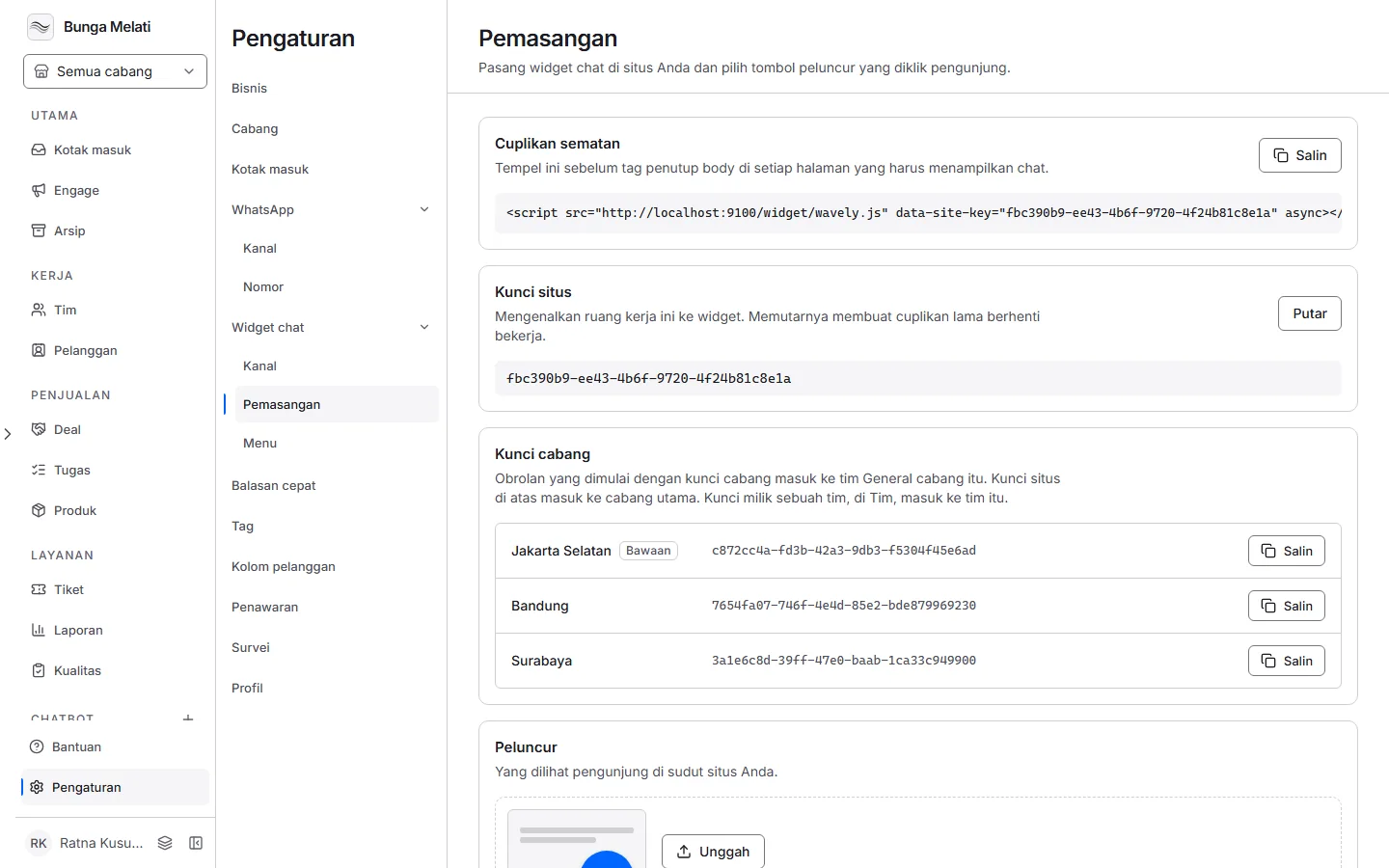
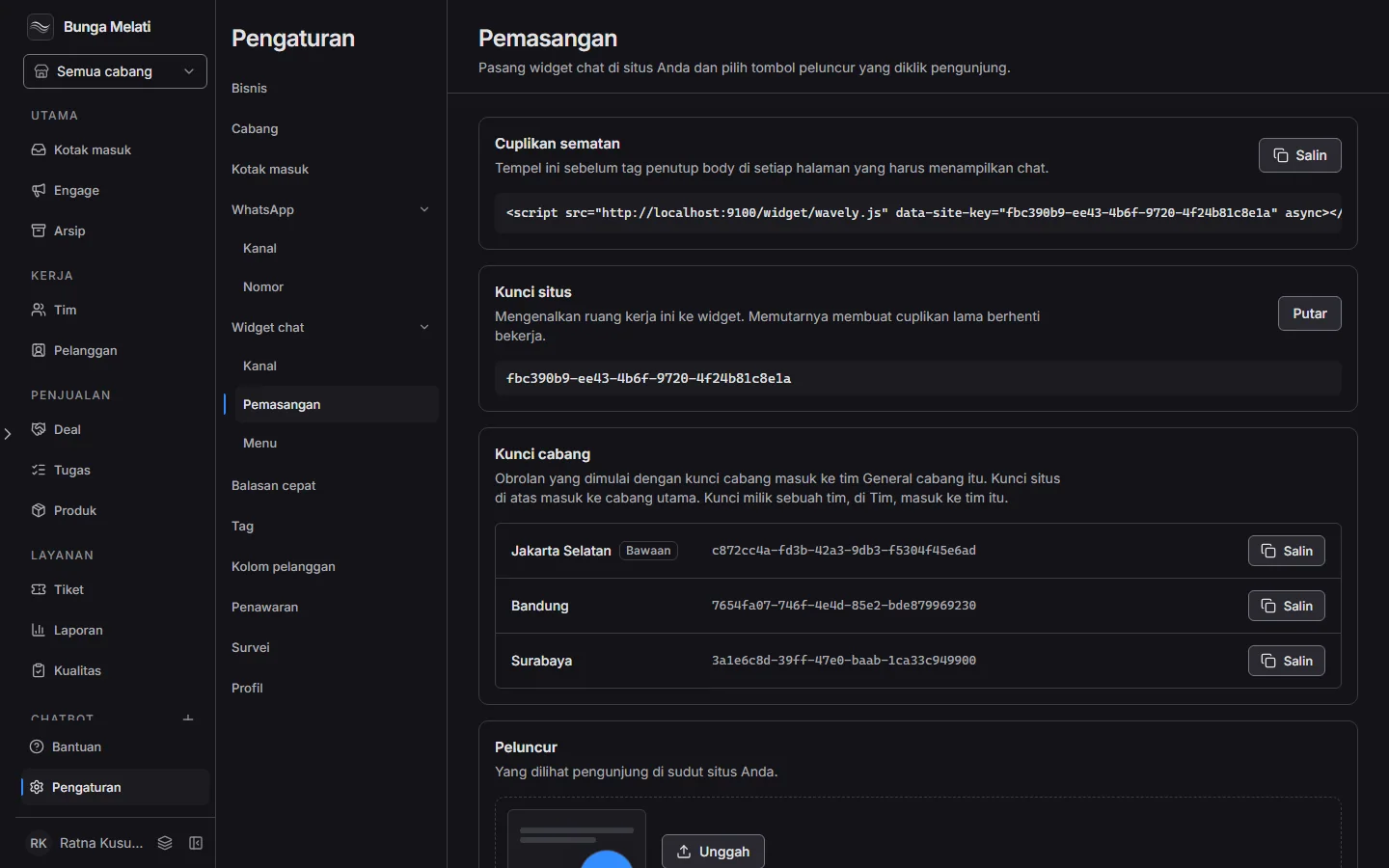
You install the widget by pasting one snippet into your site's pages. Visitor chats arrive in the same Inbox as your WhatsApp chats, and you can turn on an AI assistant that answers from documents you upload. The free plan includes the AI assistant, with no credit card.
Check that it works
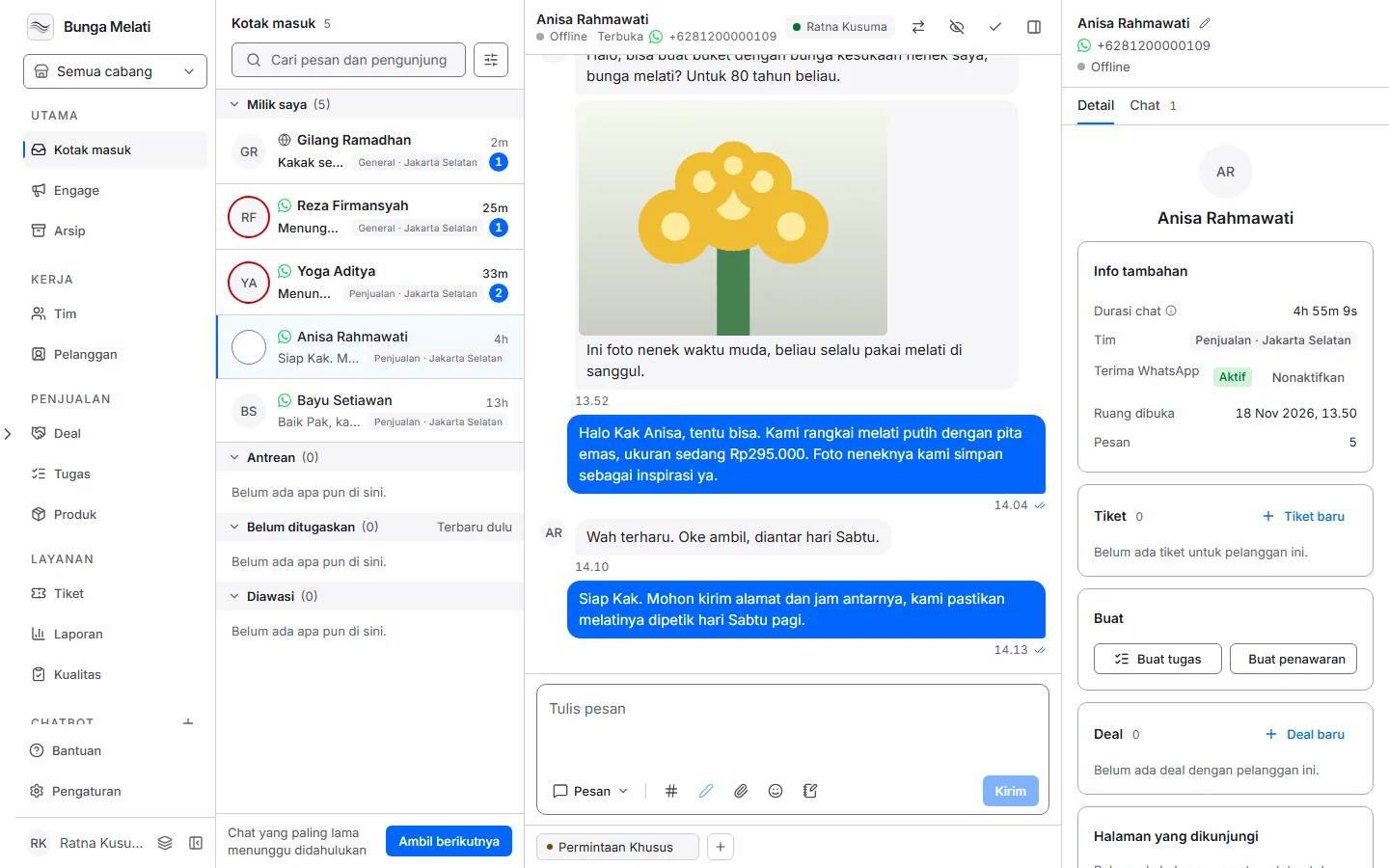
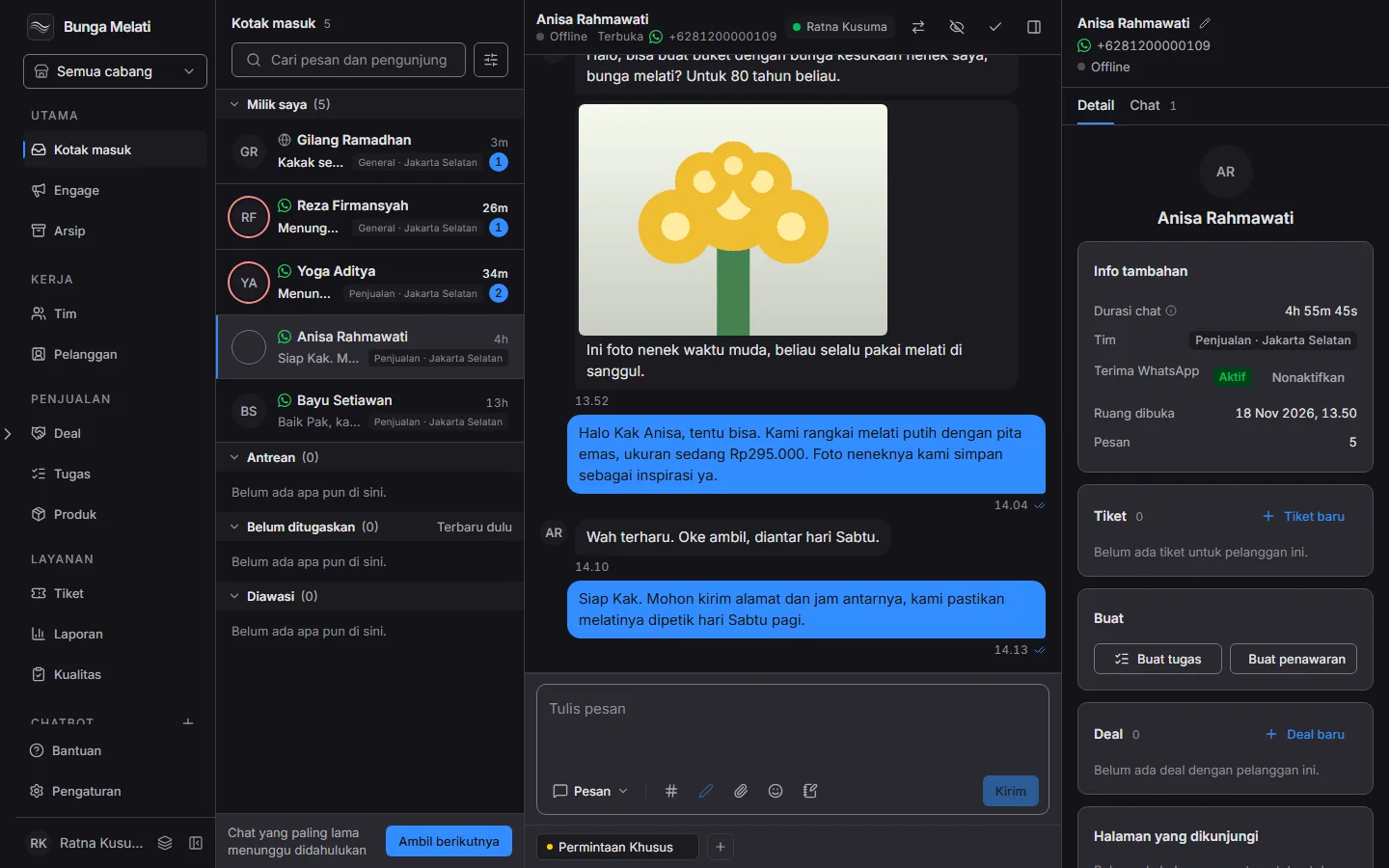
After you paste the snippet, open your website and check that the chat button appears. Send a test message and see it arrive in the Inbox.
Set it up
- Open Settings, then choose Install.
- Under Embed snippet, choose Copy.
- Paste the snippet before the closing body tag on every page that should show the chat.
- Open your website and check that the chat button appears. Send a test message and see it arrive in the Inbox.
- To set the name, language, or the menu of options visitors see, open Chat widget in Settings.