Team
Serving customers together as a team
Wavely puts every WhatsApp and website chat in one shared inbox, and each customer has one person responsible, so admins never answer twice.
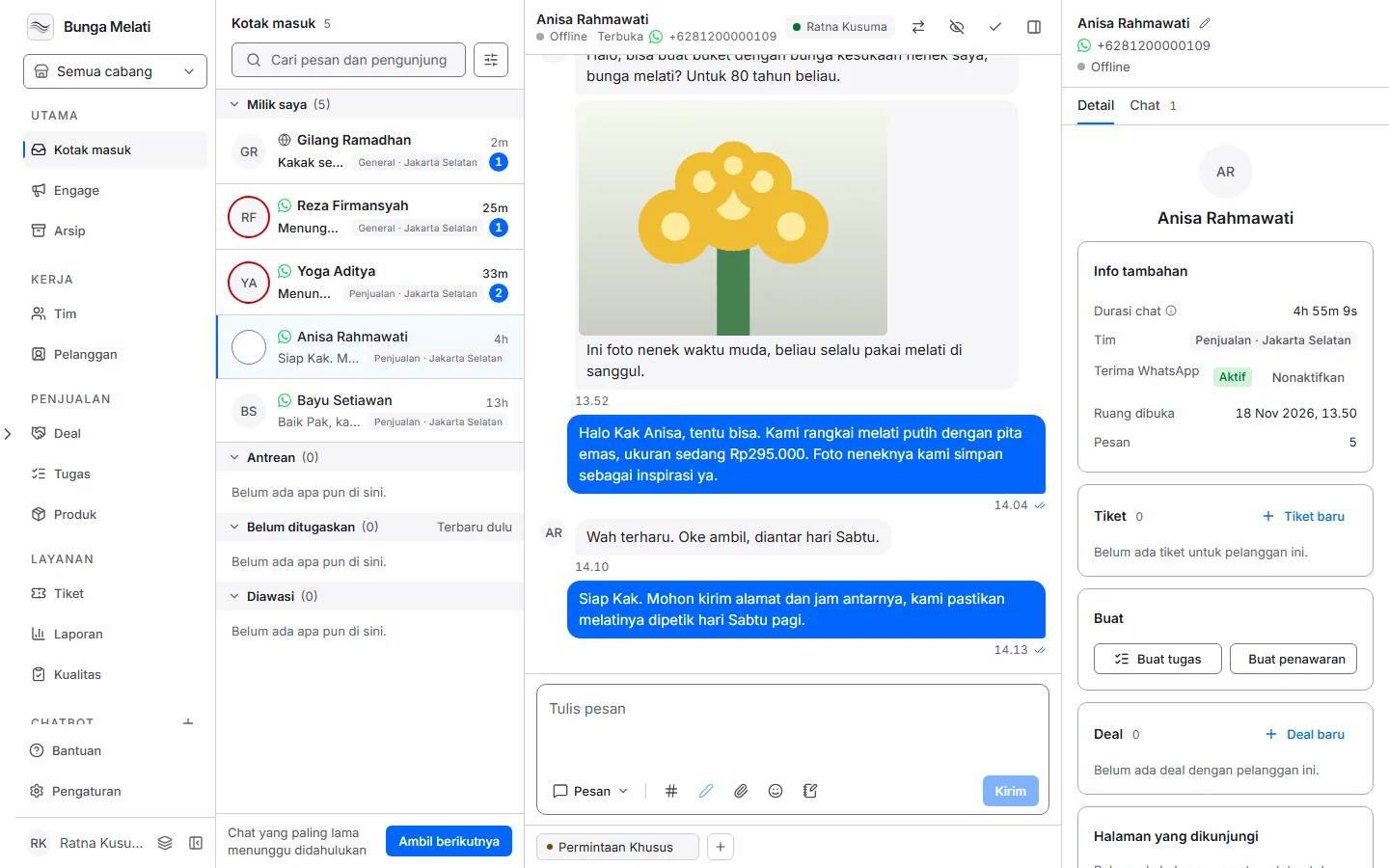
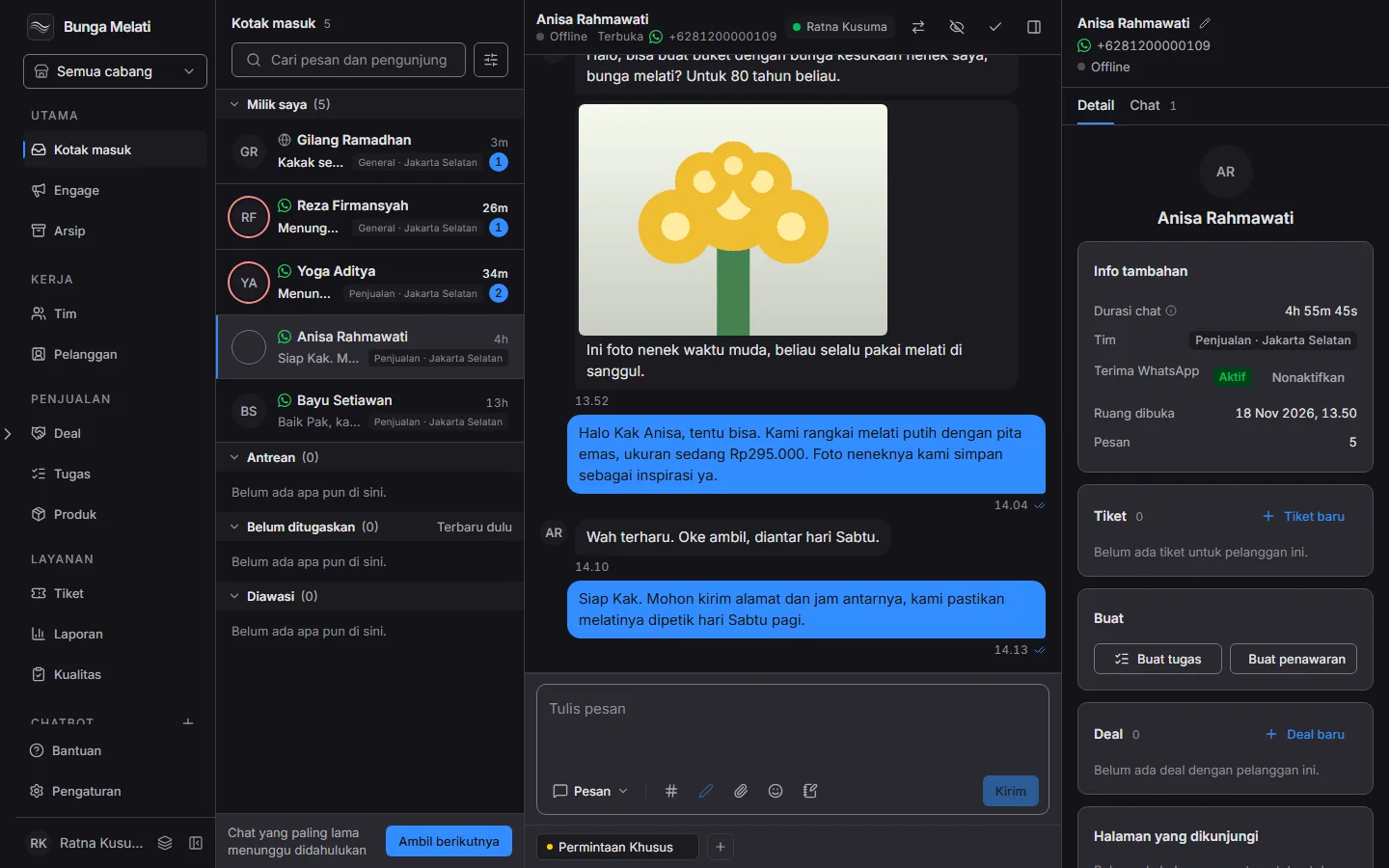
When two people answer one chat
When more than one person answers customers, the usual trouble is two people replying to the same chat, or nobody replying because everyone assumes someone else did. A shared inbox puts every WhatsApp and website chat in one place.
One person responsible for each chat
Each chat has one person responsible. A chat nobody has taken waits in the queue until someone picks it up, so the team can see who is handling whom without asking each other.
Closing a chat
When the conversation is done, choose Close conversation. Closed chats can be found again in the Archive, so closing one never loses it.
Set it up
- Open Team and invite your colleagues. You can copy an invite link and send it to them.
- Open Inbox. The tabs My chats, Unassigned, Queued, and All separate chats by who is responsible.
- Open a chat in Queued or Unassigned and take it. The chat is now yours, and if someone else took it first, you are told so.
- To hand a chat to a colleague, use Assign to above the conversation.
- When you are done, choose Close conversation. Closed chats can be found again in the Archive.