Traffic
Greeting website visitors first
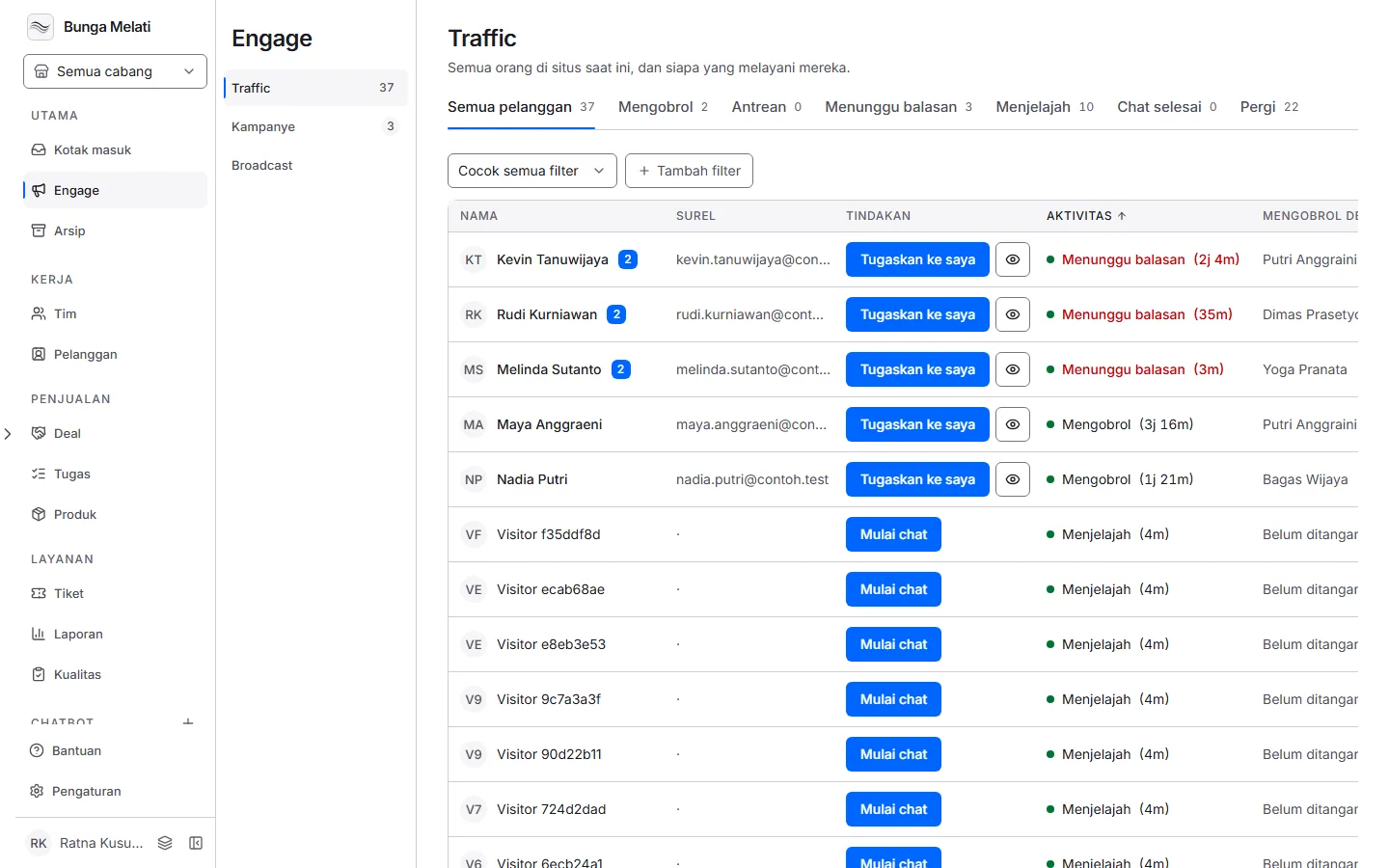
Wavely's Traffic screen shows who is on your website right now, so you can start the chat yourself or show a campaign card.
Visitors who do not type
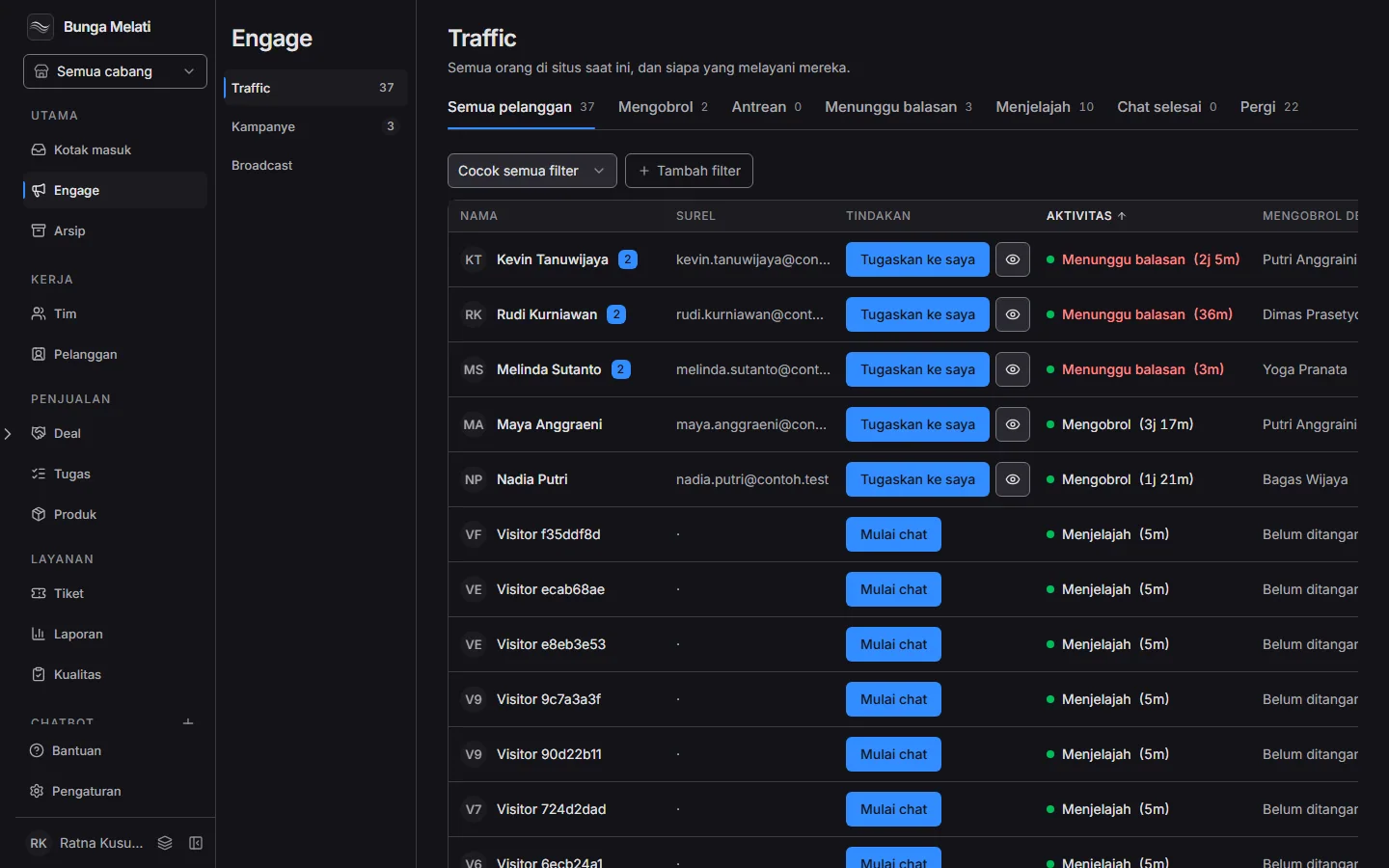
Not every visitor dares to type a question. Traffic shows the team who is on the website right now, which page they have open, and who is already being looked after.
Start the chat yourself
From that list you can start a chat with a visitor. For automatic greetings, Campaigns shows a message to visitors who meet the conditions you set.
What Traffic needs
Traffic needs the widget on your website. Visitors appear there as soon as the widget loads, and you can narrow the list with tabs such as All and Browsing, or with filters such as current page.
Set it up
- Install the widget on your website first. Visitors appear in Traffic as soon as the widget loads.
- Open Traffic. The Visitors on the site list shows who is active right now.
- Narrow the list with tabs such as All and Browsing, or with filters such as current page.
- On a visitor's row, choose Start chat. The chat opens and is assigned to you.
- For automatic greetings, open Engage, choose Campaigns, then New campaign, and pick a template such as Engage customers.