Selling over WhatsApp
Wavely connects the WhatsApp number your customers already know, so your whole team can reply to orders from one dashboard.
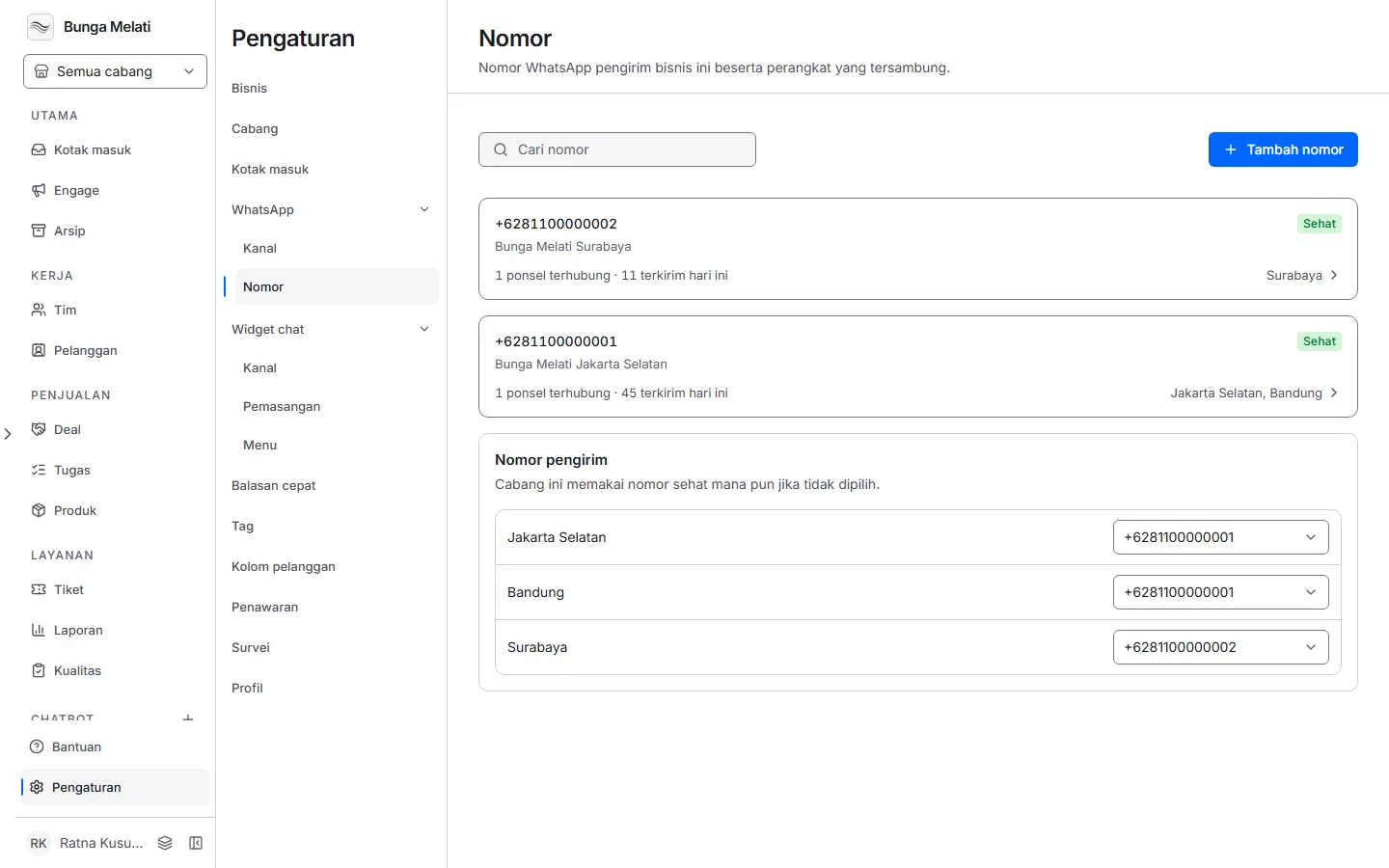
One number on one phone
Many shops take orders and questions on one WhatsApp number held by one phone. As messages pile up they are easy to miss, and only the person holding the phone can answer.
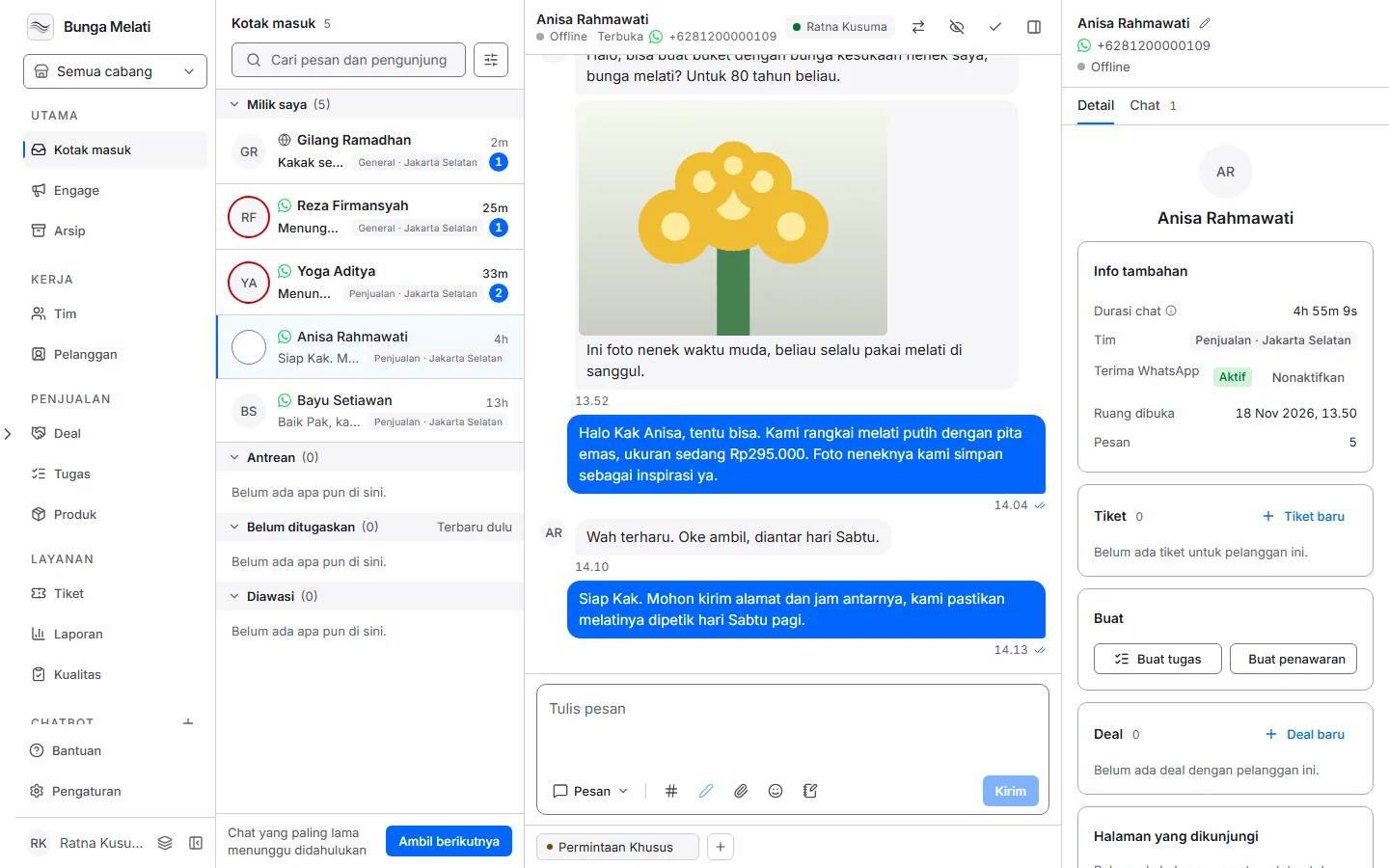
The same number, linked as a device
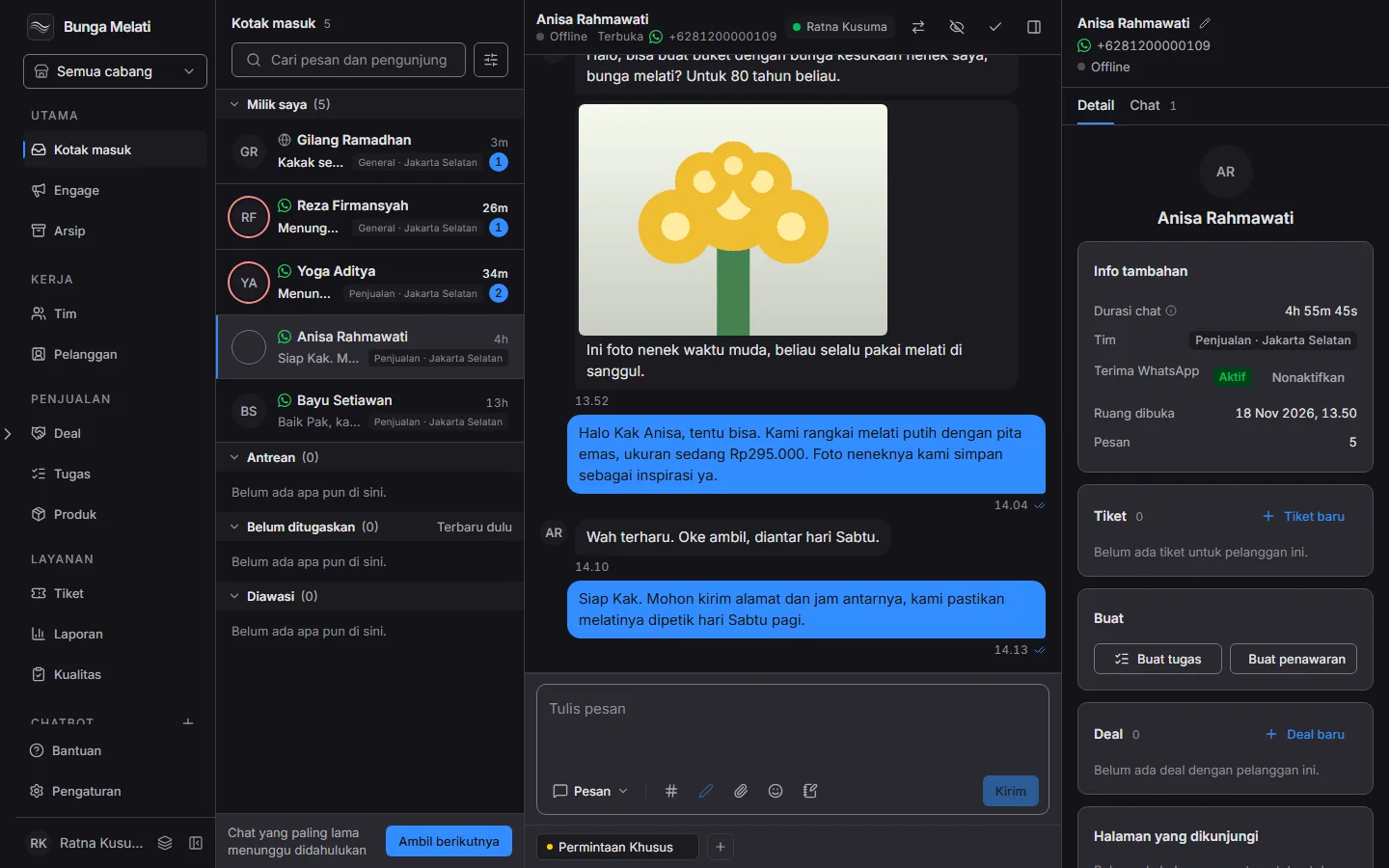
With Wavely, that same number is connected as a linked device. Customer messages arrive in the shared inbox, and anyone on the team can reply from the dashboard without borrowing the phone. The free plan includes one WhatsApp number.
If the QR code will not scan
Choose Use a pairing code instead of the QR code, then type the code on the phone, in WhatsApp under Linked devices.
Set it up
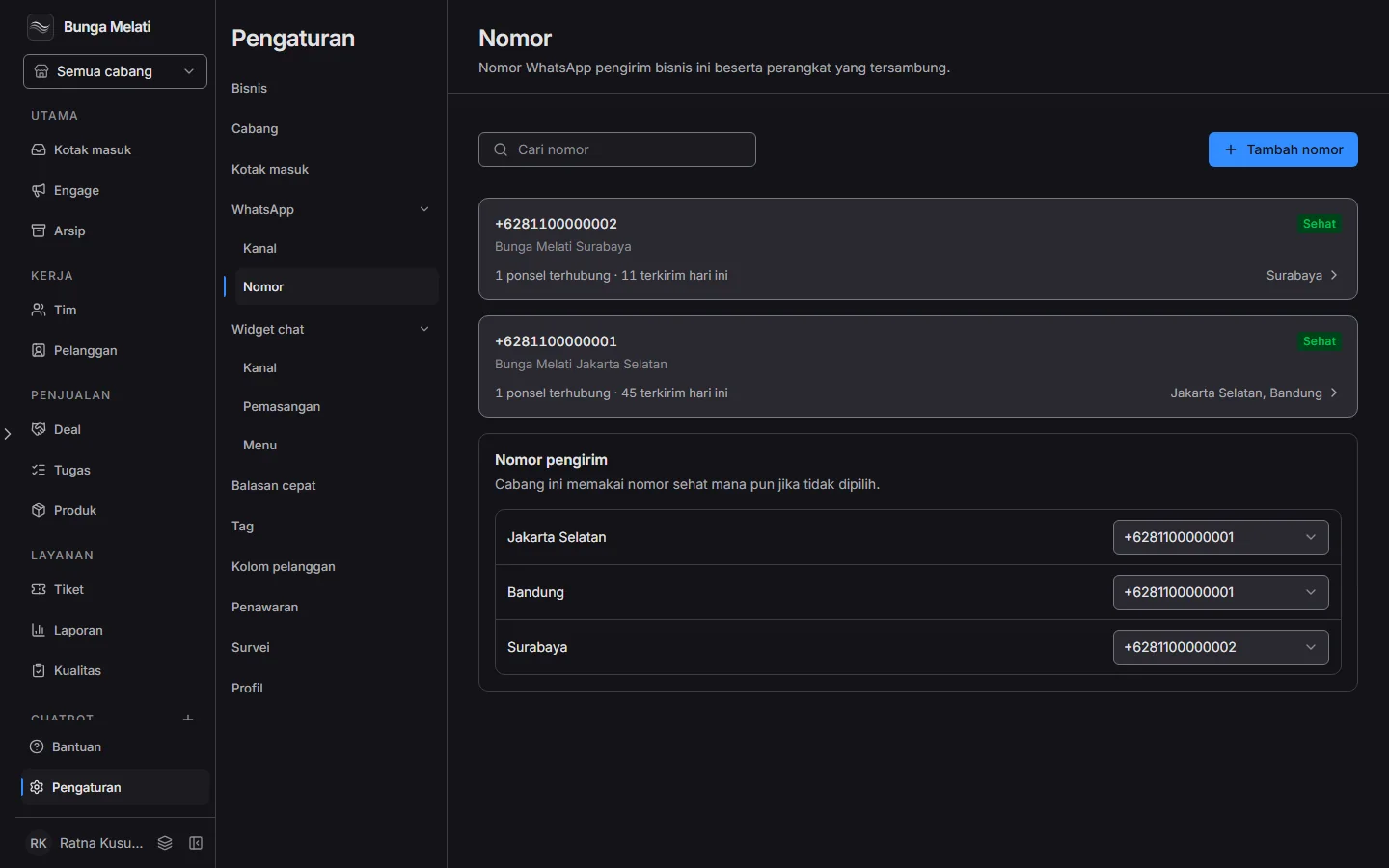
- Open Settings, then choose Numbers.
- Choose Add number, then enter the phone number and a label for it.
- Choose Link device. Wavely shows a QR code.
- On the phone, open WhatsApp, tap Linked devices, then Link a device, and point the camera at the code. If you cannot scan, choose Use a pairing code instead and type the code on the phone.
- Once the device is connected, messages sent to that number appear in the Inbox and the team can reply.