Replies
Answering the same questions again and again
Wavely saves an answer once as a canned reply, and you call it with # when a customer asks about prices, shipping or opening hours.
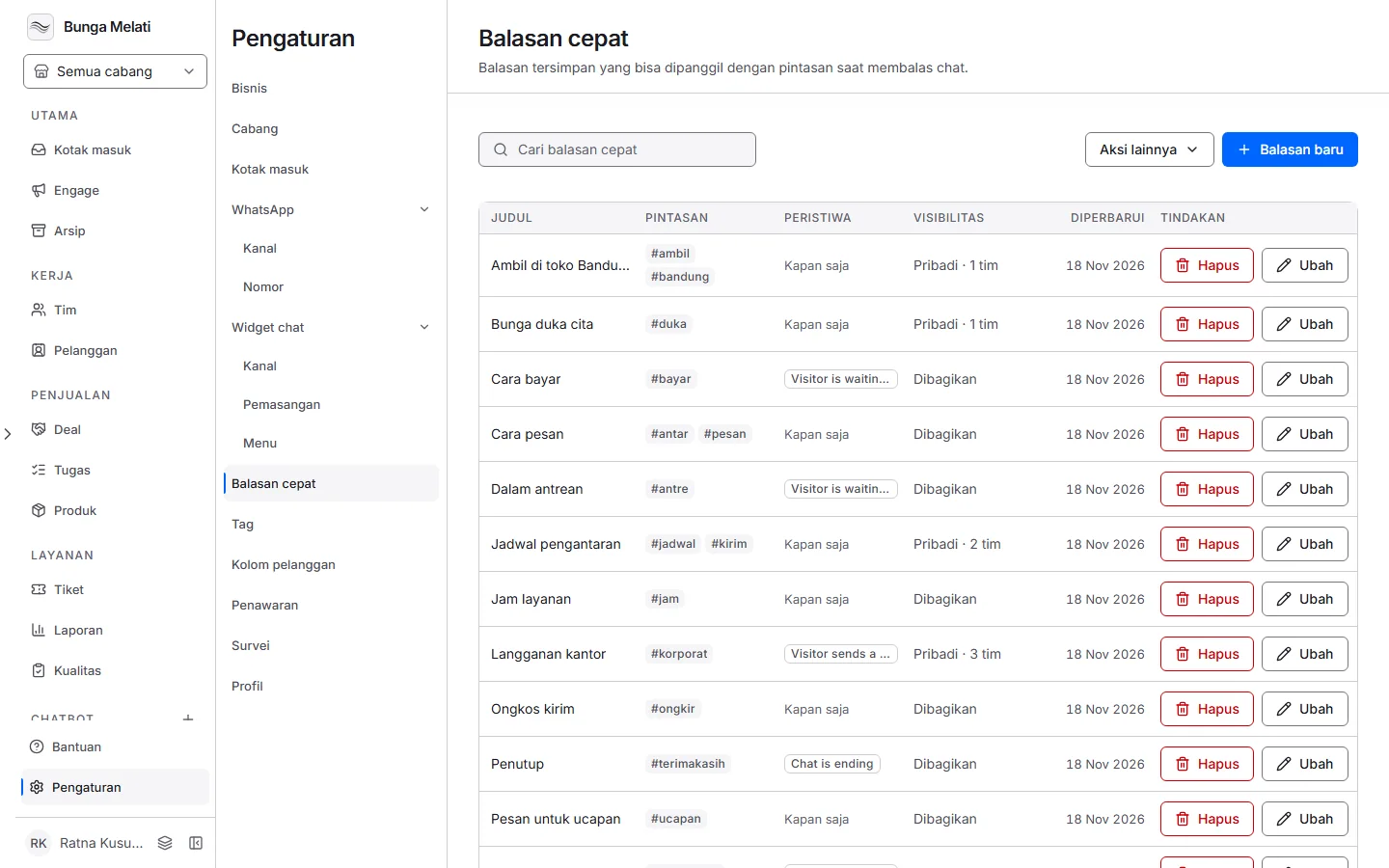
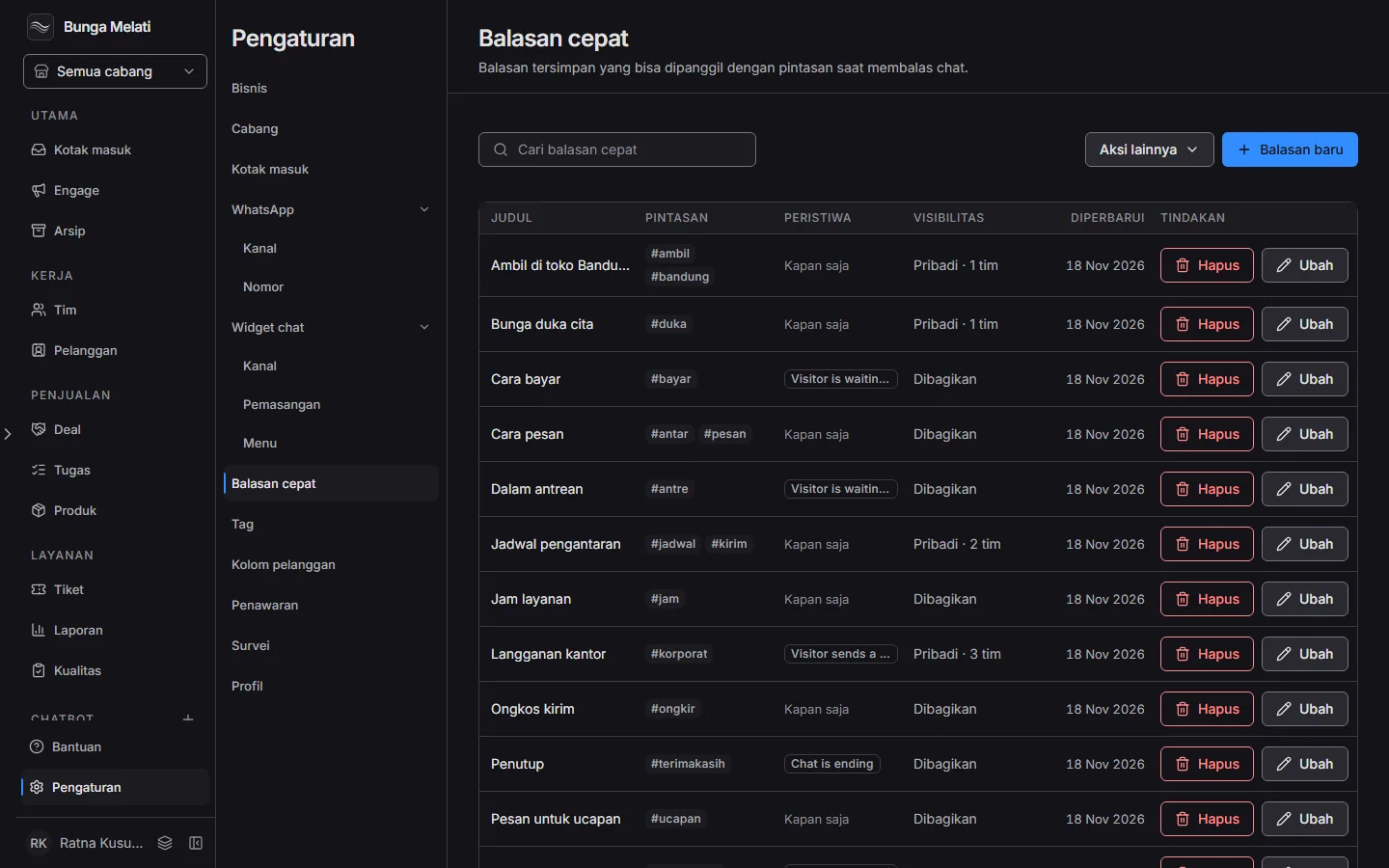
The same questions every day
Most customer questions repeat from day to day: prices, shipping costs, opening hours, how to pay. Retyping the answer takes time and makes the wording differ from one team member to the next.
Write the answer once
Canned responses store the answer once. When you reply, you type a hash followed by its shortcut, and the text lands in the message box. You can still edit it before you send.
Who can use a response
Each response is either Shared, for everyone in this business, or Private, for chosen teams only. Pick one when you save it.
Set it up
- Open Settings, then choose Canned responses.
- Choose New response. Fill in Title, Shortcut (lowercase, for example openhours), and Response text.
- Set Visibility: Shared for everyone in this business, or Private for chosen teams only. Then save.
- When replying in the Inbox, type # in the message box, then pick the response or type its shortcut.
- Check the text, edit it if needed, then send.